
What is TabCrunch?
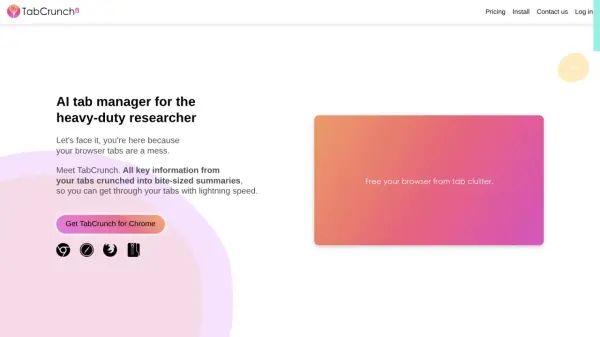
TabCrunch leverages Large Language Models (LLMs) to streamline the research process by intelligently managing browser tabs. It analyzes the content of each tab, automatically organizing them into relevant groups. The tool also synthesizes the main points from all tabs within a group, delivering a concise summary to the user.
Beyond organization and summarization, TabCrunch offers features such as estimated reading time per tab, content overlap analysis, and a breakdown of tabs by website and language. Users can easily share tab groups, collaborate with others, and manually adjust group composition as needed. The extension provides comprehensive summaries of individual tabs, extracting key factual information and presenting it in bullet points. It includes functionality for keyword searching, restoring recently closed tabs, and importing/exporting tabs across devices.
Features
- Tab Organization: Automatically groups tabs based on content analysis using LLMs.
- Group Summaries: Provides concise summaries of each tab group.
- Tab Summaries: Extracts key factual information from each tab in bullet points.
- Content Overlap: Identifies and lists tabs with similar content.
- Collaboration: Allows sharing of tab groups for collaborative work.
- Reading Time: Estimates reading time for each tab.
- Tab Search: Keyword search across URLs, titles, and article content.
- Closed Tab Recovery: Remembers and allows re-opening of closed tabs.
- Import/Export: Supports importing and exporting tabs in various formats (CSV, TXT, HTML, JSON).
Use Cases
- Managing multiple research tabs efficiently.
- Quickly understanding the content of numerous open tabs.
- Collaborating on research projects with shared tab groups.
- Finding specific information within a large number of tabs.
- Organizing and prioritizing reading materials.
- Recovering accidentally closed tabs.