SysBud Software Solutions favicon

SysBud Software Solutions
Reliable Data Recovery and Backup Tools with Maximum Accuracy

What is SysBud Software Solutions?

SysBud Software Solutions specializes in developing independent software solutions for data recovery and backup, designed to deliver reliable results with minimal effort. The tools feature a powerful and user-friendly graphical interface that provides full control over mailbox and software operations, ensuring a seamless experience for users.

Built with modern technology, these solutions support Windows OS across all versions and offer a combination of features for recovering mail and data from both local and cloud platforms. The software has been tested at a high level to preserve all components, properties, and data integrity throughout the recovery process.

Features

  • Powerful GUI: User-friendly interface for full control over mailbox and software operations
  • Modern Technology: Utilizes up-to-date knowledge for better recovery tool performance
  • Various Features: Combines different features for recovering mail/data in local and cloud platforms
  • Windows Support: Compatible with all versions of Windows OS

Use Cases

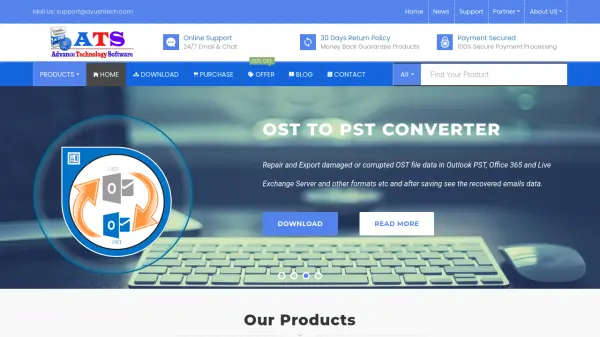
  • Recovering inaccessible or corrupted OST files
  • Converting email formats (e.g., OST to PST, MBOX to PST, NSF to PST)
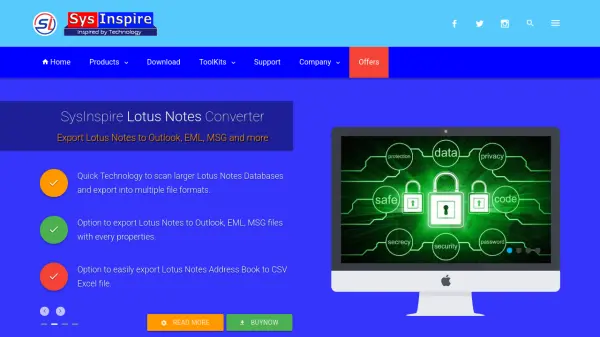
  • Migrating mailboxes from Thunderbird or Lotus Notes to Outlook
  • Backing up email data to prevent loss

Related Tools:

Blogs:

  • Top AI tools for Students

    Top AI tools for Students

    These AI tools are designed to enhance the learning experience for students. From personalized study plans to intelligent tutoring systems.

  • Top 6 AI note-taking tools for 2026: in-person, online, and hybrid use cases

    Top 6 AI note-taking tools for 2026: in-person, online, and hybrid use cases

    Most AI note-taking lists are really lists of meeting bots, which join your video call and transcribe it. That's useful, but it's half the picture. Decisions happen in hallway conversations, client dinners, on-site visits, and hybrid rooms where nobody is on a video link. This guide covers different parts of the note-taking workflow: hardware capture for in-person settings, platform-native tools for online calls, and AI layers for organizing and synthesizing what you've captured. It compares six tools by capture context, workflow fit, pricing, and limitations.

  • Best AI tools for Lawyers

    Best AI tools for Lawyers

    streamline legal processes, enhance research capabilities, and improve overall efficiency in the legal profession.

Didn't find tool you were looking for?

Be as detailed as possible for better results