Stage Plotter favicon

Stage Plotter
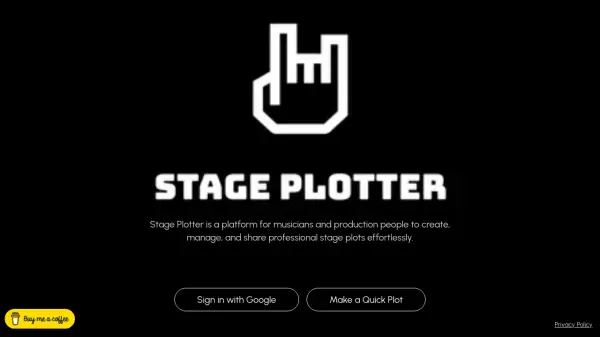
Create, manage, and share professional stage plots effortlessly

What is Stage Plotter?

Stage Plotter provides musicians and production professionals with a specialized platform for creating, managing, and sharing professional stage plots. The tool leverages artificial intelligence to simplify the process of designing detailed stage layouts, ensuring accuracy and efficiency in planning live performances and events.

Users can access the platform through desktop devices, as it is currently optimized for this environment. The interface allows for seamless integration with Google accounts for authentication, facilitating quick setup and usage. Stage Plotter focuses on delivering a user-friendly experience that enhances collaboration and organization in production workflows.

Features

  • Stage Plot Creation: Design detailed and professional stage layouts
  • Management Tools: Organize and update stage plots efficiently
  • Sharing Capabilities: Easily share plots with team members and collaborators
  • Google Integration: Sign in quickly using Google accounts
  • Desktop Optimization: Optimized for desktop devices for best user experience

Use Cases

  • Planning stage layouts for concerts and live events
  • Organizing equipment placement for music productions
  • Collaborating with production teams on stage designs
  • Managing multiple stage plots for different performances
  • Streamlining pre-production workflows for musicians

Related Tools:

Blogs:

  • Top 6 AI note-taking tools for 2026: in-person, online, and hybrid use cases

    Top 6 AI note-taking tools for 2026: in-person, online, and hybrid use cases

    Most AI note-taking lists are really lists of meeting bots, which join your video call and transcribe it. That's useful, but it's half the picture. Decisions happen in hallway conversations, client dinners, on-site visits, and hybrid rooms where nobody is on a video link. This guide covers different parts of the note-taking workflow: hardware capture for in-person settings, platform-native tools for online calls, and AI layers for organizing and synthesizing what you've captured. It compares six tools by capture context, workflow fit, pricing, and limitations.

  • Best Content Automation AI tools

    Best Content Automation AI tools

    Streamline your content creation process, enhance productivity, and elevate the quality of your output effortlessly. Harness the power of cutting-edge automation technology for unparalleled results

  • Top AI tools for Students

    Top AI tools for Students

    These AI tools are designed to enhance the learning experience for students. From personalized study plans to intelligent tutoring systems.

Didn't find tool you were looking for?

Be as detailed as possible for better results