What is Speek?
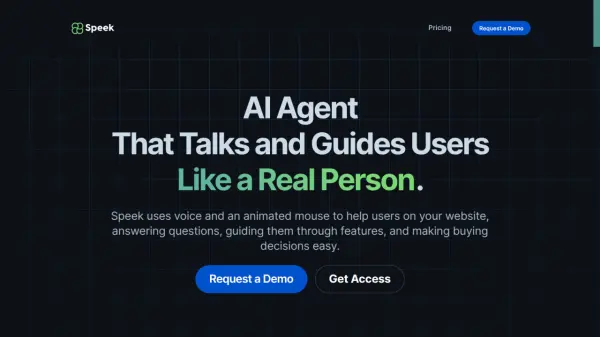
Speek enhances website interaction by providing users with real-time voice and visual guidance. It uses an animated mouse pointer and articulate voice responses to help users navigate websites, answer questions, and simplify purchasing decisions.
Speek integrates seamlessly into websites with just a few simple steps. It combines support and onboarding, and it begins assisting users immediately upon installation.
Features
- Interactive Visual Guidance: Navigates users through your platform with an animated mouse.
- Voice-Driven Support: Provides clear, articulate responses as users explore and interact with your services.
- Seamless Integration: Adding Speek to your website is easy, and it starts helping users right away with just a few simple steps.
Use Cases
- Enhance user onboarding for SaaS companies.
- Increase sales on E-commerce websites by assisting during checkout.
- Help users navigate complex processes in financial services.
- Assist patients in scheduling appointments and accessing records on healthcare portals.
- Collect customer feedback.
- Provide interactive tutoring on educational platforms.
FAQs
-
What makes Speek special?
Speek offers real-time help with voice and visual guidance, combining support and onboarding in one easy tool. Installs quickly and starts working instantly.