What is Snappify?
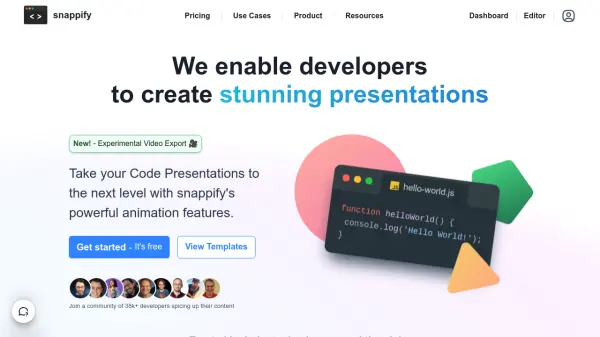
Snappify is a powerful presentation platform specifically designed for developers and technical educators. It transforms the way code is presented by offering first-class support for code snippets, interactive elements, and smooth animations that traditional presentation tools like PowerPoint or Keynote can't match.
The platform provides advanced features including multiple code window support, annotation capabilities with text and arrows, custom branding options, and the ability to create interactive infographics. With support for popular platforms like Hashnode, Notion, and Medium, Snappify ensures seamless integration and optimal display across various publishing platforms.
Features
- Code Window Support: Multiple code snippets with drag-and-drop arrangement
- Animation System: Smooth transitions and presentation effects
- Interactive Elements: Copy-enabled code snippets and clickable links
- Annotation Tools: Text explanations and arrow indicators
- Custom Branding: Personal avatar and social media username integration
- Code Highlighting: Opacity, blur, and diff view options
- Embedding Support: Integration with popular platforms
- Video Export: Export presentations as animated videos
Use Cases
- Technical presentations and demos
- Educational content creation
- Social media technical content
- Blog post illustrations
- Internal documentation
- Code comparison demonstrations
- Programming tutorials
- Technical course materials
FAQs
-
What are the storage limits for different plans?
Free plan has 3 snap storage limit, while Professional and Team plans offer unlimited snap storage with 1GB and 5GB image upload limits respectively. -
How many team members can be added to the Team plan?
The Team plan supports up to 4 team members for collaboration. -
What platforms does Snappify support for embedding?
Snappify supports popular platforms including Hashnode, Notion, and Medium. -
What are the video export capabilities?
Free plan offers experimental 30fps export with watermark, while paid plans offer 60fps export without watermark and higher scale options.