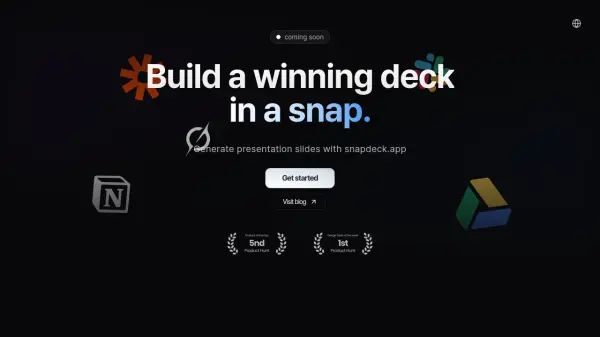
What is Snapdeck?
Snapdeck offers a solution for creating professional presentations efficiently. It utilizes AI technology combined with a library of designed templates to transform ideas into visually appealing slides within minutes. The platform focuses on reducing the time and effort typically associated with presentation design.
Users can generate slides with just a few clicks using the AI-powered generator. Snapdeck also emphasizes integration, allowing users to potentially import content from tools like Notion, Word, or GitHub and convert it into presentations seamlessly. Additionally, it provides options to export presentations in various formats (PDF, PPTX) or share them directly for collaboration.
Features
- AI-Powered Slide Generation: Transform ideas into professional presentations quickly.
- Smart Template Library: Access a growing collection of professionally designed templates.
- Multiple Export Options: Export presentations as PDF or PPTX.
- Direct Sharing: Share presentations with teams for real-time collaboration.
- Seamless Integration (Coming Soon): Import content from Notion, Word, Obsidian, or GitHub.
- AI-Powered Research Assistant (Coming Soon): Automatically gather relevant information for presentations.
- JavaScript Framework Support (Coming Soon): Create dynamic, interactive slides using JS libraries.
- Advanced AI & RAG (Coming Soon): Leverage Grok-2 based AI and Retrieval-Augmented Generation for comprehensive content.
Use Cases
- Creating business presentations quickly.
- Generating slides for academic lectures or reports.
- Developing marketing pitches and sales decks.
- Transforming notes from external documents into presentations.
- Building interactive technical demos or presentations.
- Collaborating on presentation creation within teams.