
What is Codepng?
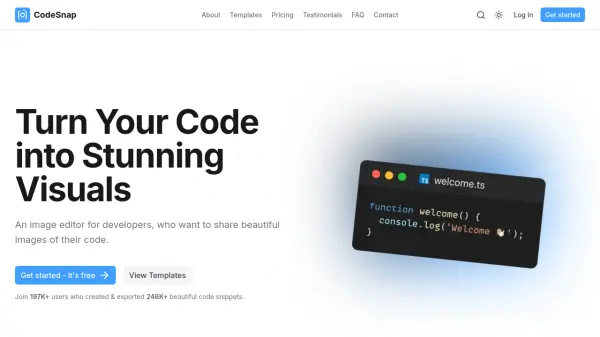
Codepng is a web application designed to convert source code into visually appealing images. Users can input their code directly into the browser and customize the output with various themes, background colors, and display options. The tool generates high-quality PNG images that are suitable for sharing on social media platforms or incorporating into presentations.
The application offers features such as theme selection, background color customization, and options for window controls and line numbers. It supports multiple programming languages, including JavaScript, and allows for transparent editor backgrounds. Codepng enables developers to create eye-catching code snippets that enhance visual communication in professional and educational settings.
Features
- Export PNG: Generate high-quality PNG images from source code
- Theme Selection: Choose from themes like One Dark for code styling
- Language Support: Compatible with multiple programming languages including JavaScript
- Window Controls: Customize window appearance in the generated image
- Background Customization: Adjust background colors and transparency
- Line Numbers: Option to include or exclude line numbers in the output
Use Cases
- Creating shareable code snippets for social media posts
- Enhancing presentations with visually appealing code images
- Generating code visuals for educational materials or tutorials
- Producing high-quality images for documentation or blogs