Snaplytics favicon

Snaplytics
Comprehensive social media tools for downloading and analyzing content

What is Snaplytics?

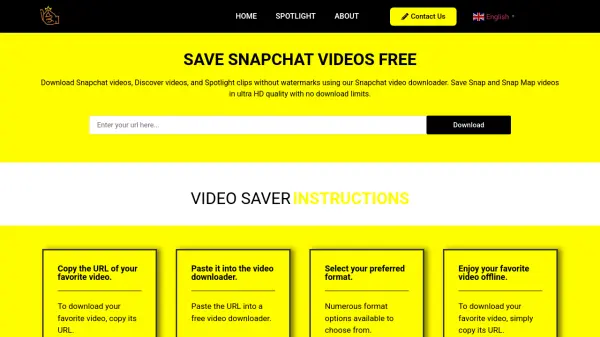
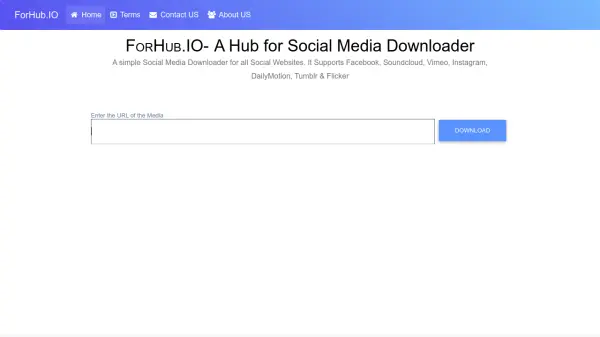
Snaplytics offers a comprehensive collection of social media utilities designed to enhance user experience across multiple platforms. The service provides specialized tools for downloading various types of content including profile pictures, videos, images, and GIFs from popular social networks. Users can access features for viewing and downloading Snapchat stories, extracting Instagram captions, generating YouTube video transcripts, and discovering trending topics on Twitter/X.

The platform supports content retrieval from Instagram, Twitter/X, Snapchat, YouTube, Pinterest, Threads, VSCO, Discord, LinkedIn, and Reddit. Additional utilities include character counters, line break generators, ID converters, and timestamp tools for Discord. All tools are accessible through a user-friendly interface without requiring login credentials or account creation.

Features

  • Multi-Platform Support: Tools for Instagram, Twitter/X, Snapchat, YouTube, Pinterest, Threads, VSCO, Discord, LinkedIn, and Reddit
  • Content Downloading: Download profile pictures, videos, images, and GIFs from social media posts
  • No Login Required: Access tools without creating an account or logging in
  • Trend Analysis: Discover trending topics on Twitter/X globally and by country
  • Transcript Generation: Generate text transcripts from YouTube videos
  • Utility Tools: Character counters, line break generators, ID converters, and timestamp tools

Use Cases

  • Downloading social media content for personal archives
  • Analyzing trending topics on Twitter/X for market research
  • Extracting Instagram captions for content inspiration
  • Generating transcripts from YouTube videos for accessibility
  • Viewing Snapchat stories without the app
  • Downloading profile pictures for design projects
  • Converting social media IDs for technical purposes
  • Checking Discord server invite link status

Related Tools:

Blogs:

  • Top 6 AI note-taking tools for 2026: in-person, online, and hybrid use cases

    Top 6 AI note-taking tools for 2026: in-person, online, and hybrid use cases

    Most AI note-taking lists are really lists of meeting bots, which join your video call and transcribe it. That's useful, but it's half the picture. Decisions happen in hallway conversations, client dinners, on-site visits, and hybrid rooms where nobody is on a video link. This guide covers different parts of the note-taking workflow: hardware capture for in-person settings, platform-native tools for online calls, and AI layers for organizing and synthesizing what you've captured. It compares six tools by capture context, workflow fit, pricing, and limitations.

  • AI thumbnail maker tools

    AI thumbnail maker tools

    Automatically generate visually appealing and optimized thumbnails for various digital content, streamlining the design process and enhancing visual engagement

  • Top AI tools for Teachers

    Top AI tools for Teachers

    Explore the top AI tools designed for teachers, revolutionizing the education landscape. These innovative tools leverage artificial intelligence to enhance teaching efficiency, personalize learning experiences, automate administrative tasks, and provide valuable insights, empowering educators to create engaging and effective educational environments.

  • Best ai tools for Twitter Growth

    Best ai tools for Twitter Growth

    The best AI tools for Twitter's growth are designed to enhance user engagement, increase followers, and optimize content strategy on the platform. These tools utilize artificial intelligence algorithms to analyze Twitter trends, identify relevant hashtags, suggest optimal posting times, and even curate personalized content.

Didn't find tool you were looking for?

Be as detailed as possible for better results