Small Hours favicon

Small Hours
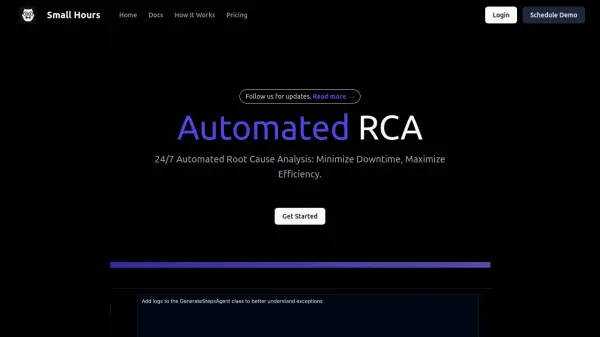
24/7 Automated Root Cause Analysis: Minimize Downtime, Maximize Efficiency.

What is Small Hours?

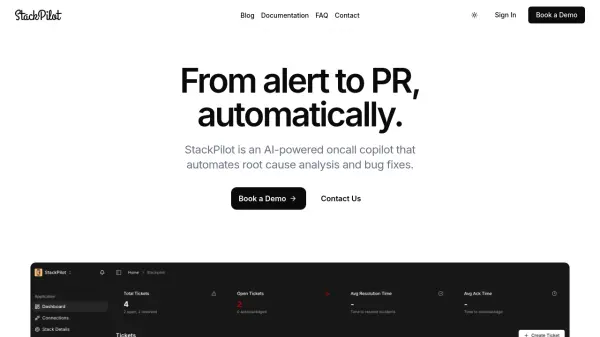
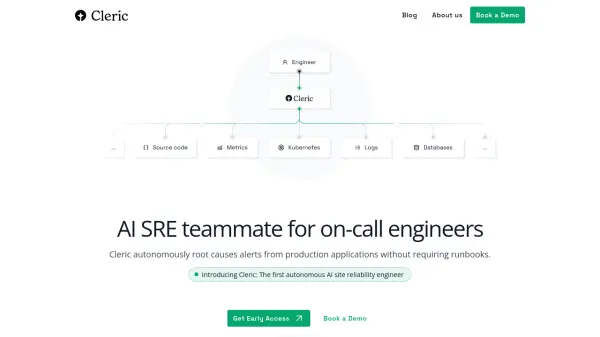
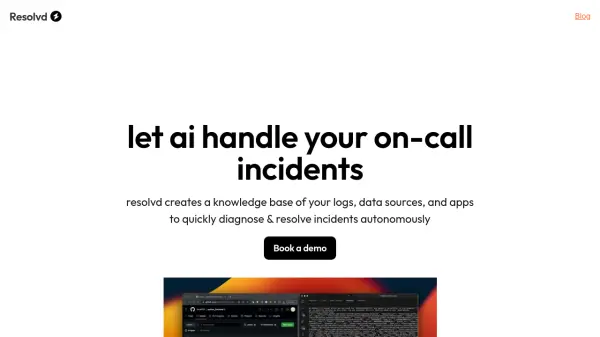
Small Hours provides automated root cause analysis (RCA) for developers. The platform is designed to streamline on-call rotations and help engineers resolve issues quickly. It leverages OpenTelemetry for broad compatibility and ensures data security by never storing code.

Small Hours offers intelligent issue triage and can generate pull requests to address identified problems. Built by former Amazon engineers, the service is optimized for enterprise velocity and scale, supporting a variety of frameworks like NextJS, FastAPI, Django, Flask, Rails, Gin, and Express.

Features

  • Any Platform: Supports OpenTelemetry for seamless integration with any stack.
  • Intelligence: Hooks into existing alarms and identifies critical issues.
  • Context: Connects codebases and runbooks as context and instructions.
  • Private: User code and data are secure and never stored.
  • Actions: Intelligently triages issues and generates pull requests.

Use Cases

  • Streamlining on-call rotations.
  • Automating root cause analysis.
  • Integrating with existing monitoring and alarm systems.
  • Generating pull requests for identified issues.
  • Improving time to resolution for software incidents.

Related Tools:

Blogs:

  • AI tools for video voice overs

    AI tools for video voice overs

    Discover the next level of video production with AI-powered voiceover tools. Enhance your content effortlessly, ensuring professional-quality narration for your videos.

  • Top 6 AI note-taking tools for 2026: in-person, online, and hybrid use cases

    Top 6 AI note-taking tools for 2026: in-person, online, and hybrid use cases

    Most AI note-taking lists are really lists of meeting bots, which join your video call and transcribe it. That's useful, but it's half the picture. Decisions happen in hallway conversations, client dinners, on-site visits, and hybrid rooms where nobody is on a video link. This guide covers different parts of the note-taking workflow: hardware capture for in-person settings, platform-native tools for online calls, and AI layers for organizing and synthesizing what you've captured. It compares six tools by capture context, workflow fit, pricing, and limitations.

Didn't find tool you were looking for?

Be as detailed as possible for better results