What is StackPilot?
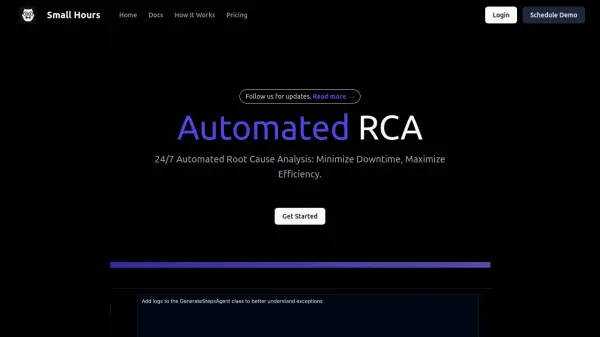
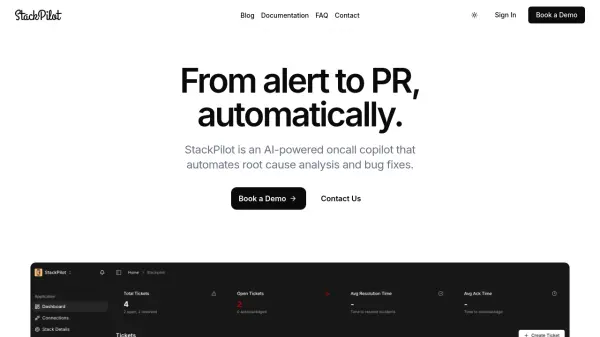
StackPilot is an AI-powered oncall copilot designed specifically for application software engineers who need to resolve incidents quickly and efficiently. The platform plugs directly into existing observability stacks and automates the entire incident resolution workflow from initial alert to merged pull request.
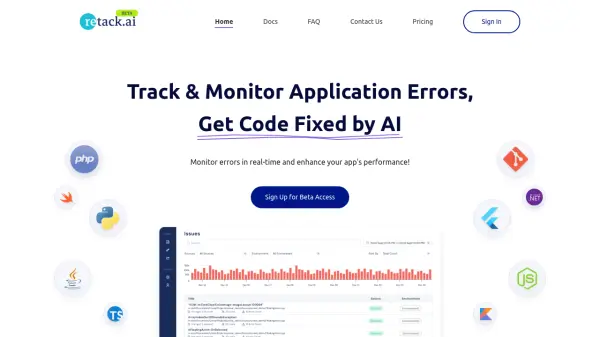
The system analyzes incidents by cross-referencing alerts with recent code changes, stack traces, and logs to pinpoint root causes. It then generates working bug fixes and creates pull requests with proposed code changes that engineers can review and merge. StackPilot integrates with popular development, monitoring, and communication tools including GitHub, Datadog, Sentry, Slack, and PagerDuty, requiring only a 2-minute setup process.
Features
- Log Query Autocomplete: Automatically suggests relevant log queries based on alerts, stack traces, and incident context
- Code-Aware Root Cause Analysis: Analyzes recent commits and stack traces to pinpoint faulty code responsible for issues
- Auto-Generated Timeline: Builds real-time incident timelines by tracking logs, alerts, deploys, and engineer actions
- Autofix with PR Generation: Automatically drafts pull requests with proposed code fixes based on root cause analysis
- Playbook Capture: Observes investigative steps and turns them into reusable runbooks for future incidents
Use Cases
- Automating incident resolution for software engineering teams
- Reducing mean time to resolution for production bugs
- Generating pull requests with bug fixes automatically
- Creating reusable playbooks from incident investigations
- Integrating AI-powered debugging into existing development workflows
FAQs
-
Do you store our code?
No, StackPilot sees your code only when analyzing incidents and nothing is stored or shared. -
Do you store our logs?
No, analysis happens in real-time and nothing is retained. -
How accurate are the auto-generated fixes?
The platform is designed to generate working bug fixes based on comprehensive root cause analysis. -
What if StackPilot suggests the wrong fix?
Engineers review all proposed fixes before merging, maintaining control over the final code changes. -
How long does setup take?
Setup takes approximately 2 minutes by connecting your GitHub and monitoring tools.