What is SlashDreamer?
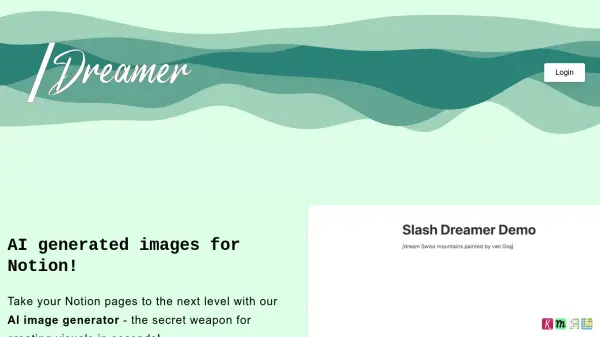
SlashDreamer is an innovative tool designed to enhance Notion pages with AI-generated images. The service seamlessly integrates into Notion, offering a user-friendly command, /dream, to generate images directly within your documents.
By simply typing /dream followed by a description of the desired image, ending with a dot, users can leverage SlashDreamer to create visuals based on their text prompts. SlashDreamer utilizes advanced machine learning models such as Stable Diffusion to produce these images, replacing manual image sourcing and insertion, therefore upgrading visuals on Notion pages.
Features
- Notion Integration: Seamlessly integrates with Notion using the /dream command.
- AI Image Generation: Generates images based on user-provided text prompts.
- Stable Diffusion: Utilizes Stable Diffusion and other machine learning models for image creation.
- Direct Image Insertion: Inserts the generated images directly below the prompt in the Notion page.
Use Cases
- Enhancing Notion pages with visuals.
- Creating visual content for documents and notes.
- Generating images for presentations and reports within Notion.
- Illustrating ideas and concepts in Notion workspaces.
FAQs
-
Why is SlashDreamer not free?
Generating images using AI is resource intensive. To cover the costs, we decided to make the service paid. -
When can I cancel my subscription?
You can cancel your subscription each month. You have 7 days to trial without any charge. The subscription starts after the trial. -
Do you offer refund?
No, your credit card is charged after 7 days trial period. If you cancel within 7 days, no amount is charged. -
Why do I need to give write permission to Notion?
SlashDreamer reads your prompt and replaces it with an image. In order to add the image to your Notion Page, we need write permission. -
Who owns the generated images?
We don't own the right to the images. We use Stable Diffusion to generate them. The images are owned by you, under the terms provided by Stable Diffusion.