What is ImageToPromptAI?
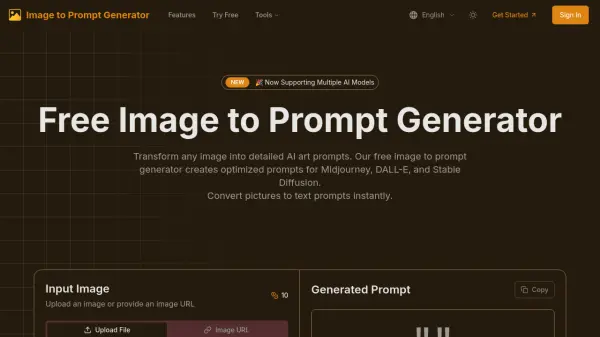
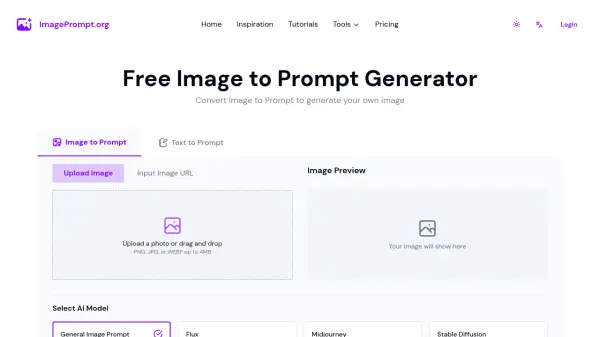
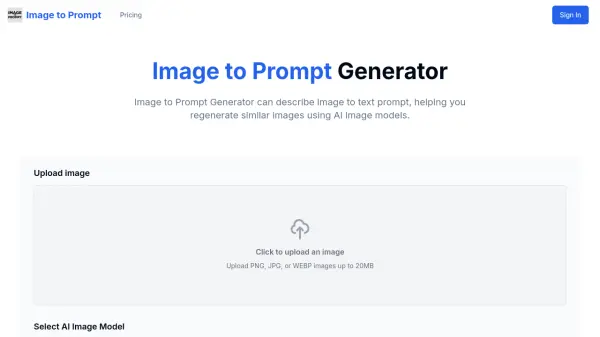
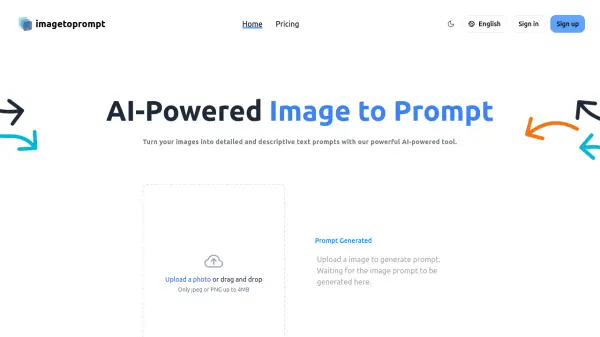
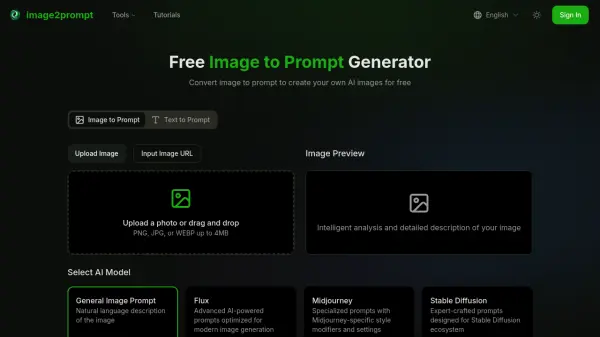
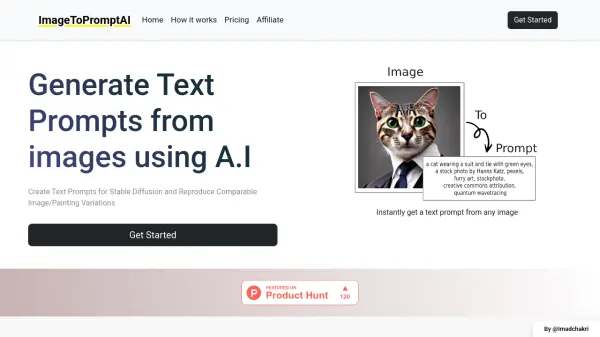
ImageToPromptAI is an innovative artificial intelligence tool designed to transform images into detailed text prompts. The platform specializes in generating precise textual descriptions that can be used with Stable Diffusion to create similar images or artistic variations.
The tool offers a straightforward process where users can upload their images and receive instant text prompts, making it particularly valuable for artists and creators who want to recreate or modify existing visuals using AI image generation platforms.
Features
- Instant Prompt Generation: Convert images to text prompts immediately
- Stable Diffusion Compatibility: Generate prompts optimized for Stable Diffusion
- Batch Processing: Transform multiple images in one session
- Variable Capacity: Choose from different image processing quantities
Use Cases
- Creating variations of existing artwork
- Generating reference descriptions for artists
- Reverse engineering image styles
- Converting reference images into usable prompts
- Developing consistent image generation workflows
FAQs
-
How many images can I process with each plan?
The Basic plan allows 20 images, Pro plan allows 100 images, and Ultra plan allows 500 images. -
Is there a subscription requirement?
No, ImageToPromptAI operates on a pay-as-you-need basis without requiring subscriptions. -
What image formats are supported?
The tool supports common image formats for processing into text prompts.