Skyjos favicon

Skyjos
Innovative Apps for Productivity and File Management

What is Skyjos?

Skyjos specializes in creating applications designed to enhance productivity and streamline digital workflows. The company offers a diverse portfolio of tools that cater to various user needs, from note-taking and document annotation to comprehensive file management across multiple platforms and servers.

Each application is developed with a focus on functionality and user experience, providing solutions for organizing photos, accessing files from cloud services and local networks, and managing server-based storage systems efficiently.

Features

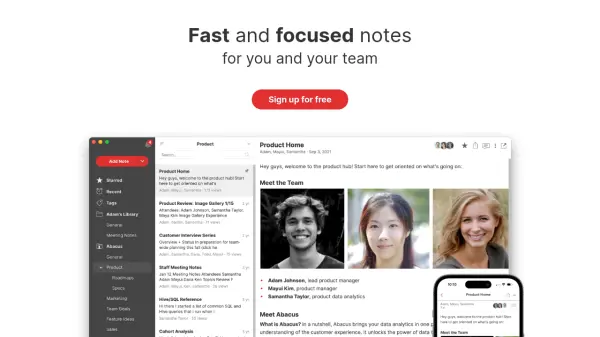
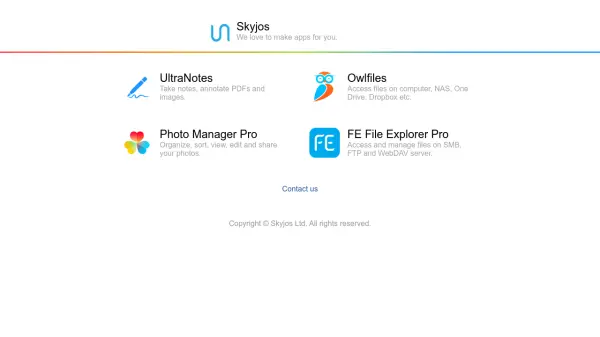
  • UltraNotes: Take notes and annotate PDFs and images
  • Owlfiles: Access files on computer, NAS, One Drive, Dropbox etc.
  • Photo Manager Pro: Organize, sort, view, edit and share your photos
  • FE File Explorer Pro: Access and manage files on SMB, FTP and WebDAV server

Use Cases

  • Note-taking and document annotation for students and professionals
  • Accessing and managing files across multiple platforms and cloud services
  • Organizing and editing personal or professional photo collections
  • Managing server-based file systems for IT administrators and businesses

Related Tools:

Blogs:

  • Best ai tools for Twitter Growth

    Best ai tools for Twitter Growth

    The best AI tools for Twitter's growth are designed to enhance user engagement, increase followers, and optimize content strategy on the platform. These tools utilize artificial intelligence algorithms to analyze Twitter trends, identify relevant hashtags, suggest optimal posting times, and even curate personalized content.

  • Long Videos into Viral Shorts

    Long Videos into Viral Shorts

    Klap.app is an AI-powered video editing tool that transforms long-form videos into engaging short clips optimized for platforms like TikTok, Instagram Reels, and YouTube Shorts

  • Top 6 AI note-taking tools for 2026: in-person, online, and hybrid use cases

    Top 6 AI note-taking tools for 2026: in-person, online, and hybrid use cases

    Most AI note-taking lists are really lists of meeting bots, which join your video call and transcribe it. That's useful, but it's half the picture. Decisions happen in hallway conversations, client dinners, on-site visits, and hybrid rooms where nobody is on a video link. This guide covers different parts of the note-taking workflow: hardware capture for in-person settings, platform-native tools for online calls, and AI layers for organizing and synthesizing what you've captured. It compares six tools by capture context, workflow fit, pricing, and limitations.

Didn't find tool you were looking for?

Be as detailed as possible for better results