
What is Sixteen?
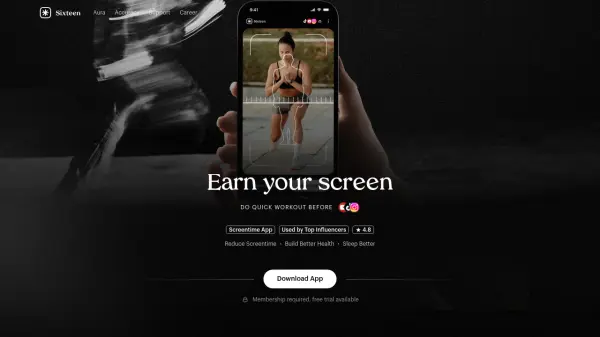
Sixteen is a screentime management application designed to help users reclaim control over their digital habits. The app operates on a simple principle: users must complete a quick workout before gaining access to their phone, turning screen time into an earned privilege rather than an impulsive action. This approach aims to reduce excessive phone usage while simultaneously encouraging physical activity and mindfulness.
The application features a screen time bank system that allows users to save unused minutes for later use, up to one hour. Additionally, it provides emergency unlock keys—two per week—that grant one-hour access to apps when truly needed. Sixteen is built for individuals seeking to rebuild discipline and intentionality in their relationship with technology, offering a structured way to minimize distractions and improve overall well-being.
Features
- Screen Time Bank: Save unused screen time minutes for later use, up to one hour
- Emergency Unlock: Get two emergency keys per week to unlock apps for one hour when needed
- Workout Requirement: Complete quick workouts before unlocking your phone to earn screen time
- Health Integration: Encourages physical activity to reduce screen time and improve well-being
Use Cases
- Reducing excessive phone usage and screen time
- Building discipline and intentionality with technology
- Improving physical health through regular quick workouts
- Enhancing sleep quality by minimizing late-night screen exposure
- Managing digital distractions for better productivity
FAQs
-
How does the screen time bank work?
The screen time bank allows you to save unused screen time minutes for later use, up to a maximum of one hour. If you don't use all your allocated time, the extra minutes are stored in your bank for future access. -
What are emergency unlock keys and how do I get them?
Emergency unlock keys are special permissions that allow you to unlock apps for one hour when you truly need immediate access. You receive two of these keys each week to use as needed. -
Do I need to complete a workout every time I want to unlock my phone?
Yes, the core functionality requires completing a quick workout before unlocking your phone. This is designed to make screen time intentional and earned through physical activity.