
What is Roots?
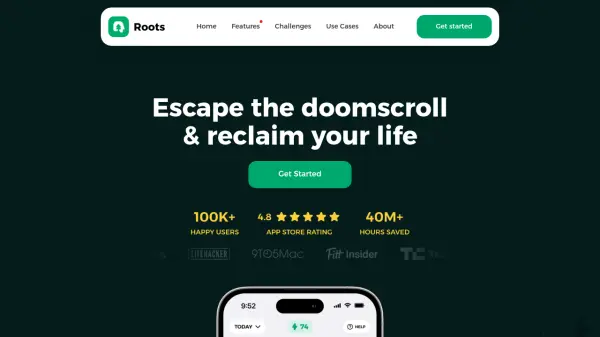
Roots is a screen time management application designed to help users establish healthier digital habits and reduce excessive phone usage. The app utilizes various features to create boundaries with smartphones, enabling individuals to reclaim time for meaningful activities. It offers a comprehensive approach to digital wellness by combining data insights with behavioral tools.
The platform provides personalized solutions through features like app blocking, downtime scheduling, and a unique balance score that quantifies phone usage patterns. Users can participate in challenges and set specific limits to gradually decrease screen time while replacing scrolling with productive or enjoyable activities. Roots emphasizes an encouraging, approachable experience to facilitate lasting change in phone habits.
Features
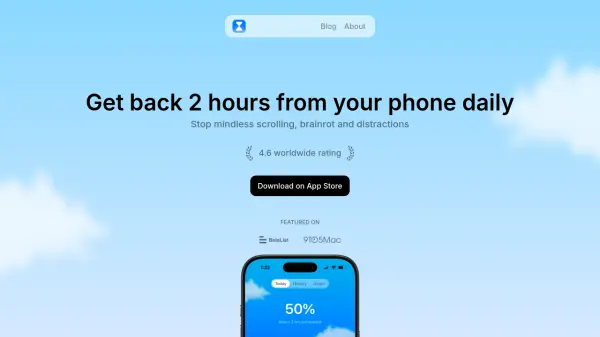
- Balance Score: Quantifies your unique relationship with your phone through personalized metrics
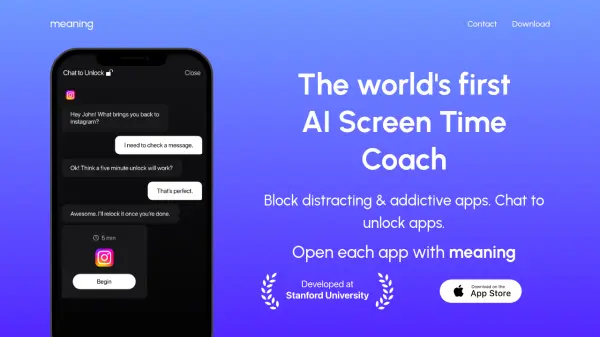
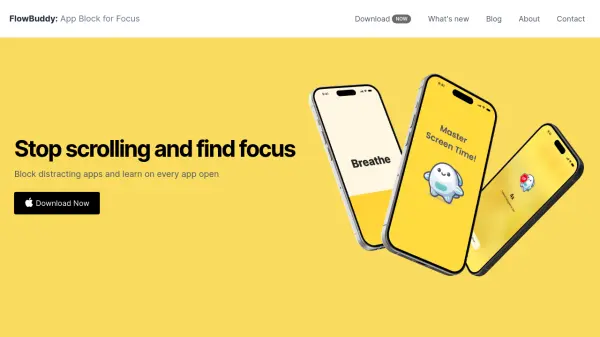
- App Blocking: Creates friction to limit app usage with customizable blocking options
- App Limits: Allows setting specific time restrictions on individual applications
- Downtime Scheduler: Enables scheduling specific periods when apps are blocked
- Monk Mode: Provides harder limits for focused work sessions
- Screen Time Insights: Offers detailed analytics about phone usage patterns
- Challenges: Join community challenges to reduce screen time collectively
- Streak Rewards: Tracks consecutive days of meeting screen time goals
- Scroll Replacements: Suggests alternative activities to replace mindless scrolling
Use Cases
- Reducing daily screen time to improve mental health
- Creating work-life balance by limiting phone usage during specific hours
- Breaking social media addiction through app blocking
- Increasing productivity by minimizing digital distractions
- Improving sleep quality by reducing evening screen time
- Developing healthier digital habits for students
- Reclaiming time for hobbies and personal relationships
- Managing phone usage during family time
FAQs
-
How does Roots differ from other screen time apps?
Roots offers a more encouraging approach with unique features like quantifying taps and scrolls, creating intentional friction through app blocking, and providing a personalized balance score. It also includes a risk-free money-back guarantee. -
What makes Roots better than Apple Screen Time?
Roots provides more flexible features, better design, and goes beyond basic limits with tools like Monk Mode, challenges, and a more user-friendly interface for setting up effective phone boundaries. -
How does the risk-free guarantee work?
Users can try Roots free for 7 days and cancel anytime during the trial. If they change their mind after the trial, they can contact support within 30 days of their first payment for a full refund. -
Is my data safe with Roots?
Yes, Roots uses the iOS Screen Time API which means app usage and browsing data never leaves your device. The company cannot access your personal usage data. -
What does science say about phone screen time?
Research shows excessive screen time increases stress, depression, eye strain, back pain, feelings of isolation, and decreases creativity. Experts recommend limiting phone usage to about 2 hours per day for adults.