What is Side Reader?
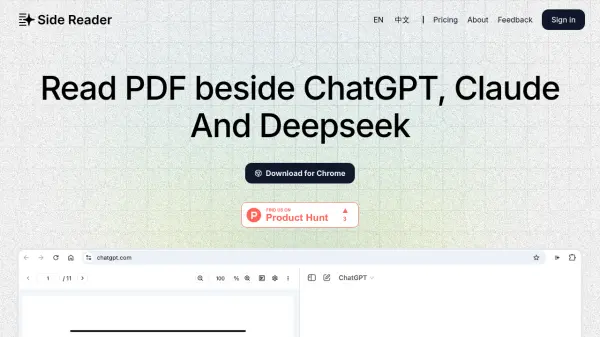
Side Reader provides a platform for users to interact effectively with their PDF documents. It facilitates reading and analysis through features such as a split-screen view, allowing users to view different parts of a document or related materials side-by-side. The tool also includes standard PDF functionalities like zooming for detailed examination and the ability to copy text directly from the document.
Additionally, Side Reader maintains a history of uploaded documents for easy access. A 'capture and ask' feature, available in the Pro version, suggests capabilities beyond simple viewing, enabling users to extract information or query the document content. The service operates on a freemium model, offering basic features for free with certain limitations, while a Pro plan provides expanded capabilities and dedicated customer support.
Features
- Split Screen View: Enables side-by-side viewing of PDF documents.
- PDF Zoom: Allows users to zoom in and out for detailed document examination.
- Copy Input: Facilitates copying text directly from PDFs.
- Upload History: Keeps a record of uploaded documents for easy access.
- Capture & Ask (Pro Feature): Allows users to select parts of the PDF and ask questions about the content.
- Customer Support (Pro Feature): Provides dedicated support for Pro users.
Use Cases
- Reading and analyzing PDF documents efficiently.
- Comparing different sections of a PDF simultaneously using split-screen.
- Extracting text snippets directly from PDF files.
- Querying PDF content to find specific information quickly (Pro Feature).
- Managing and revisiting previously viewed PDF documents via upload history.