Shared Contacts Dashboard favicon

Shared Contacts Dashboard
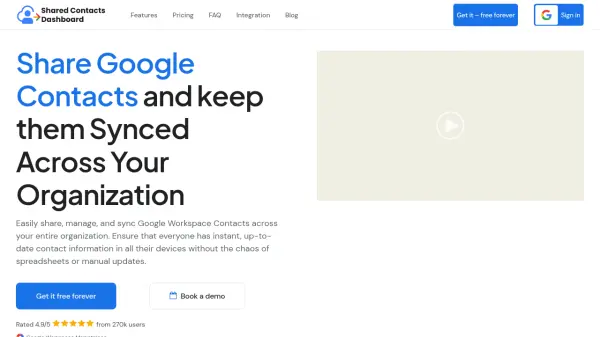
Share Google Contacts and keep them Synced Across Your Organization

What is Shared Contacts Dashboard?

Shared Contacts Dashboard provides a centralized platform for organizations to share and synchronize Google Workspace contacts across their entire team. This solution eliminates the need for manual updates and spreadsheets by automatically syncing contact information across all authorized devices and applications including Gmail, Google Contacts, iPhone Contacts, and WhatsApp.

The platform offers granular control over contact sharing permissions, allowing administrators to assign view, edit, or share access to specific users or Google Groups. With enterprise-grade security standards and instant synchronization capabilities, teams can maintain accurate, up-to-date contact information that reduces human error and improves collaboration efficiency.

Features

  • Contact Sharing: Create and manage shared contact labels with access controls for users and Google Groups
  • Instant Synchronization: Automatically syncs contact updates across all devices and applications in real-time
  • Access Control: Set granular permissions for who can view, edit, or share contacts within the organization
  • Cross-Platform Compatibility: Works with Gmail, Google Contacts, iPhone Contacts, WhatsApp, and other applications
  • Enterprise Security: Provides top-tier security standards and compliance for organizational data protection

Use Cases

  • Team collaboration on client contact management
  • HR departments sharing employee contact information
  • Sales teams maintaining updated customer contact lists
  • Educational institutions managing teacher and student contacts
  • Project teams coordinating stakeholder contact information
  • Logistics companies sharing supplier and vendor contacts

Related Tools:

Blogs:

  • Top 6 AI note-taking tools for 2026: in-person, online, and hybrid use cases

    Top 6 AI note-taking tools for 2026: in-person, online, and hybrid use cases

    Most AI note-taking lists are really lists of meeting bots, which join your video call and transcribe it. That's useful, but it's half the picture. Decisions happen in hallway conversations, client dinners, on-site visits, and hybrid rooms where nobody is on a video link. This guide covers different parts of the note-taking workflow: hardware capture for in-person settings, platform-native tools for online calls, and AI layers for organizing and synthesizing what you've captured. It compares six tools by capture context, workflow fit, pricing, and limitations.

  • Best ai tools for Twitter Growth

    Best ai tools for Twitter Growth

    The best AI tools for Twitter's growth are designed to enhance user engagement, increase followers, and optimize content strategy on the platform. These tools utilize artificial intelligence algorithms to analyze Twitter trends, identify relevant hashtags, suggest optimal posting times, and even curate personalized content.

  • Best AI tools for recruiters

    Best AI tools for recruiters

    These tools use advanced algorithms and machine learning to automate tasks such as resume screening, candidate matching, and predictive analytics. By analyzing vast amounts of data quickly and efficiently, AI tools help recruiters make data-driven decisions, save time, and identify the best candidates for open positions.

Didn't find tool you were looking for?

Be as detailed as possible for better results