What is SeaTable?
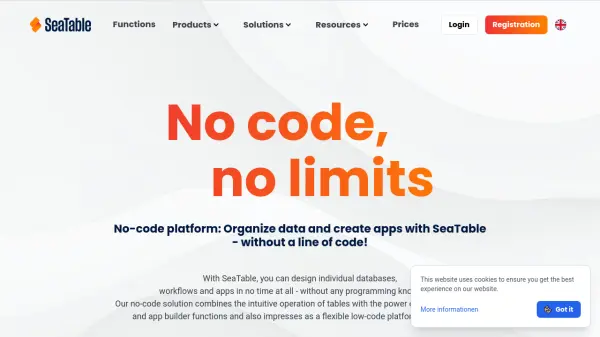
SeaTable provides a flexible no-code solution for organizing various types of data, including images, documents, emails, checkboxes, selection lists, and links, all managed directly in a web browser. The platform allows users to create customized databases, automate workflows, and build applications using drag-and-drop functionality, eliminating the need for programming skills.
It supports real-time collaboration, enabling teams to work together efficiently with features like shared workspaces, commenting, and synchronization. SeaTable offers versatile visualization options such as tables, galleries, Kanban boards, timelines, and calendars, making it suitable for diverse business areas like marketing, project management, human resources, and software development.
Features
- No-Code App Builder: Create powerful, data-based applications quickly and intuitively using drag-and-drop without programming knowledge
- Real-Time Collaboration: Enable teams to work together with shared workspaces, real-time synchronization, and commenting features
- Versatile Visualization: Manage data with multiple views including tables, galleries, Kanban boards, timelines, and calendars
- Automation Capabilities: Automate recurring tasks, create workflows, and configure notifications to increase efficiency
- Integration Options: Connect with third-party tools via APIs and SDKs for seamless data synchronization and IT landscape optimization
- GDPR Compliance: Host data exclusively in EU-certified data centers with robust security features and data protection standards
Use Cases
- Plan marketing campaigns, manage leads, and analyze results with automated workflows
- Manage projects efficiently using Gantt charts and Kanban boards to track progress and coordinate teams
- Handle employee data, training, and leave requests to optimize HR processes
- Manage personnel files, training data, and applications in the public sector for improved transparency
- Manage backlogs, issues, bugs, and releases in software development to optimize processes
- Create customized applications for specific business needs to automate processes and improve efficiency
FAQs
-
How do I create an app with SeaTable?
The platform offers all features needed to create an app from scratch without programming knowledge, using drag-and-drop functionality. -
Is it free to use the no-code / low-code platform?
Yes, basic functions are available for free, with options to upgrade to advanced features later. -
What is SeaTable's pricing model?
It offers a flexible pricing model that adapts to company needs and budget, starting with a free trial and various plans. -
Can you host SeaTable on your own server?
Yes, deployment options include cloud use or running on your own server, with choices for scalability, convenience, or control. -
What are the key features of low code / no code solutions?
Features include flexibility for digital transformation, data management integration, process optimization, citizen development support, and comprehensive guidance.