
What is ScreenTime?
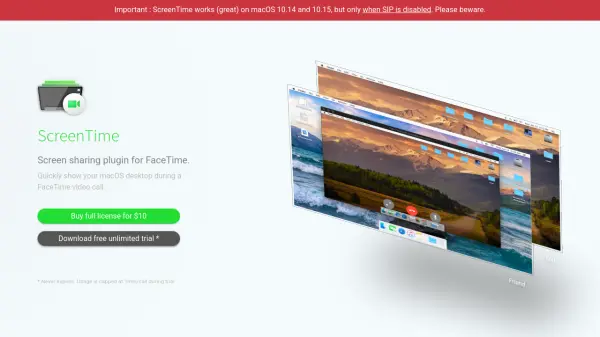
ScreenTime is a macOS plugin designed to enhance FaceTime video calls by allowing users to share their desktop screen seamlessly. It functions as a virtual webcam, appearing as an option below the built-in FaceTime HD Camera, and requires no additional installation for the recipient, as FaceTime is preinstalled on all Apple devices.
The tool incorporates AI-driven video frame optimization to ensure crisp screen capture quality even under suboptimal connection conditions. It supports multiple monitors, enabling users to switch between displays during active calls, and includes Picture-in-Picture functionality to simultaneously show the user's webcam feed alongside the shared desktop.
Features
- Multi-monitor support: Allows selection of any connected display and toggling between displays during active FaceTime calls
- Video frame optimization: Applies clever video post-processing to ensure crisp screen capture reception even with spotty connections
- Picture-in-Picture support: Enables display of webcam feed in a PiP window on the screen so the recipient sees both desktop and face simultaneously
Use Cases
- Planning vacations collaboratively by sharing travel details and options
- Pair programming or coding collaborations during FaceTime calls
- Shopping for gifts together by showing product options in real-time
- Providing remote technical support or tutorials to friends or family
FAQs
-
What are the system requirements for ScreenTime?
ScreenTime works on macOS 10.14 and 10.15, but requires SIP (System Integrity Protection) to be disabled for proper functionality. -
Does the recipient need to install anything to use ScreenTime?
No, the recipient does not need to install anything, as ScreenTime works with FaceTime, which is preinstalled on all Apple devices like iPhones and iPads. -
What is the difference between the trial and full license versions?
The trial version is free and unlimited in duration but caps usage at 1 minute per call, while the full license costs $10 and removes this time restriction.