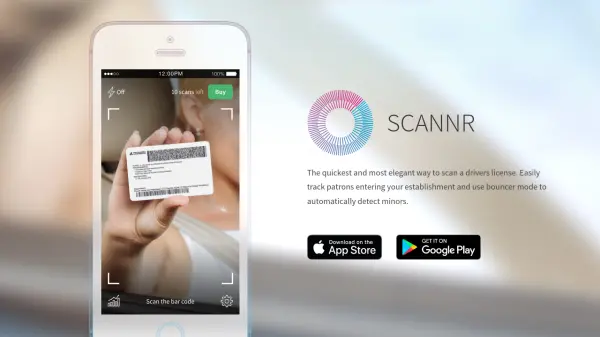

What is Scannr?
Scannr offers a quick and elegant solution for scanning driver's licenses by reading barcodes rather than performing optical character recognition. One fast snap of the back of the license retrieves the holder's data accurately. The bouncer mode automatically detects minors or individuals below a user-defined age limit, and expired licenses are flagged to help prevent legal issues. Scannr also logs age and gender data from scanned licenses, transforming it into beautiful charts for analysis. Developers can integrate Scannr with third-party apps via provided APIs and send data to a REST tracking service.
Features
- Barcode Scanning: Reads barcodes on driver's licenses for swift and accurate data retrieval.
- Bouncer Mode: Automatically detects minors and expired licenses based on user-defined age limits.
- Statistics and Charts: Visualizes scanned license data including age and gender distribution with customizable date ranges.
Use Cases
- Used by bouncers to quickly verify age and detect fake IDs at venues.
- Used by bars and clubs to log patron demographics for marketing and compliance.
- Used by event organizers to track attendee age and gender for planning purposes.
FAQs
-
How does Scannr read driver's licenses?
Scannr uses barcode scanning technology to read the barcode on the back of the license, providing fast and accurate data extraction. -
Can Scannr detect expired licenses?
Yes, Scannr can detect expired licenses to help prevent issues with law enforcement. -
Does Scannr offer integration with other apps?
Yes, Scannr supports integration with third-party apps and REST tracking services via its developer documentation.