What is SaveTwitterVideo?
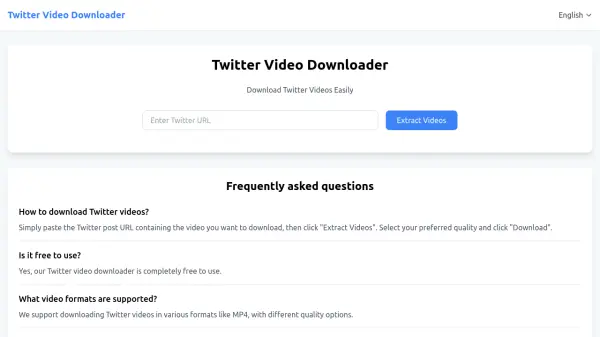
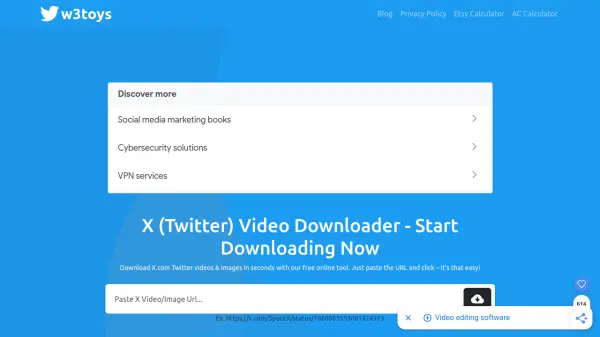
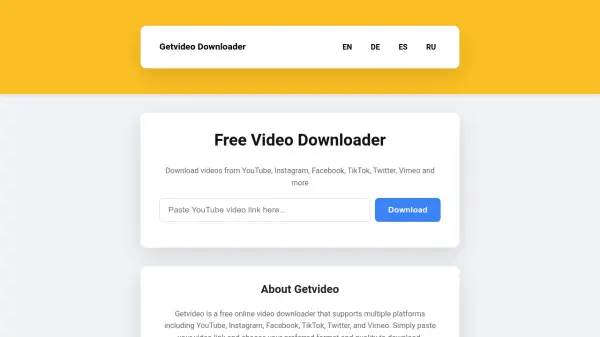
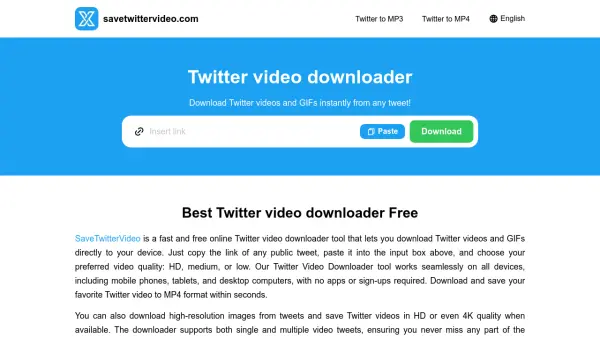
SaveTwitterVideo is a web-based tool designed to download videos and GIFs from Twitter (X.com) directly to your device. It enables users to save content from public tweets by simply copying and pasting the tweet link, then selecting their preferred video quality such as HD, medium, or low. The tool converts videos to MP4 format for compatibility and also supports downloading high-resolution images and converting GIFs to MP4 for smooth playback.
Operating entirely online, SaveTwitterVideo requires no software installation, registration, or login, making it accessible on all devices including smartphones, tablets, and computers. It offers a user-friendly interface with fast processing times, ensuring a hassle-free experience for downloading single or multiple video tweets in seconds.
Features
- Download in MP4 with Ease: Save Twitter videos in MP4 format quickly with compatibility across all devices.
- Download Twitter GIFs: Download GIFs in high quality, automatically converted to MP4 for smooth playback.
- Super Fast Downloads: Download videos in seconds with a quick, hassle-free process.
- Completely Free and Safe: 100% free with no limits, hidden fees, or malware, providing an ad-free experience.
- Works on All Devices: Functions perfectly on Android, iPhone, tablets, and computers across all browsers and operating systems.
- Easy to use Interface: No registration or login required; simply paste the link, select quality, and download.
Use Cases
- Saving educational or informative Twitter videos for offline viewing
- Downloading entertaining GIFs from tweets for personal use
- Archiving video content from public tweets for research or reference
- Collecting video materials from Twitter for creative projects
- Storing favorite videos from tweets to watch without internet access
FAQs
-
What video qualities are available for download?
Users can choose from HD, medium, or low quality options when downloading videos. -
Can I download multiple videos from a single tweet?
Yes, the downloader supports both single and multiple video tweets. -
Is there a limit to how many videos I can download?
No, the tool is completely free with no limits on the number of downloads. -
What formats are supported for downloaded files?
Videos are downloaded in MP4 format, and GIFs are converted to MP4. -
Does the tool work on all web browsers?
Yes, it works seamlessly across all browsers without any special setup.