What is SaveTikVideos?
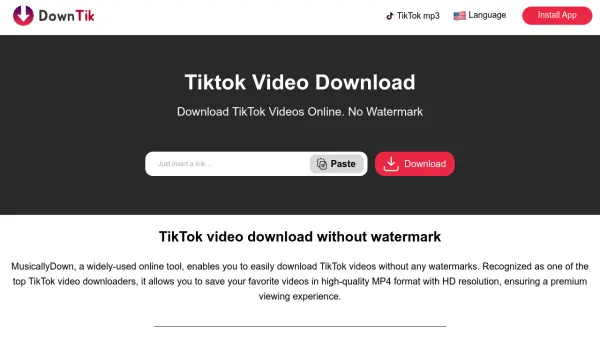
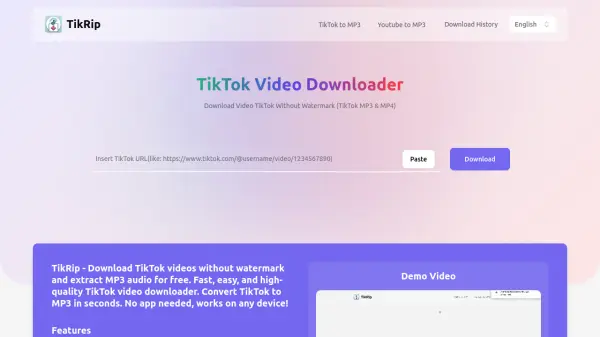
SaveTikVideos is a web-based service designed to facilitate the downloading of TikTok content. It enables users to save videos in high-definition MP4 format without the TikTok watermark, providing a clean viewing experience. The tool also functions as an MP3 converter, allowing users to extract audio from TikTok videos for personal use.
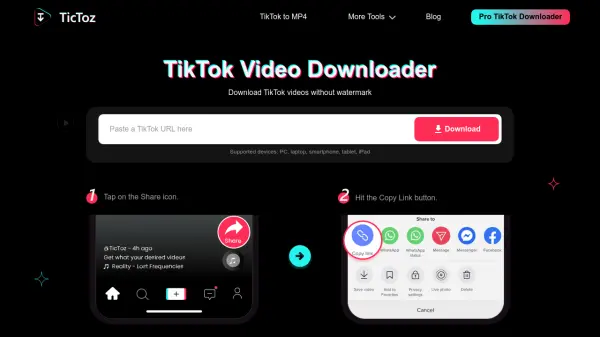
The platform operates without requiring user registration or payment, making it accessible to all. It supports multiple devices and operating systems, including Windows, Mac, Linux, Android, and iOS, ensuring compatibility across various platforms. Users simply need to copy the TikTok video link, paste it into the tool, and select their preferred download option.
Features
- Watermark Removal: Downloads TikTok videos without the platform's watermark for a clean viewing experience
- Format Conversion: Converts TikTok videos to MP4 for video or MP3 for audio extraction
- Cross-Platform Compatibility: Works on mobile devices, tablets, and desktop computers with various operating systems
- No Registration Required: Allows downloads without creating an account or providing personal information
- Unlimited Downloads: No restrictions on the number of videos or audio files users can download
Use Cases
- Saving TikTok videos for offline viewing without watermarks
- Extracting audio from TikTok videos to create music playlists
- Archiving favorite TikTok content for personal collections
- Repurposing TikTok videos for creative projects while maintaining original quality
- Sharing TikTok content across platforms without platform branding
FAQs
-
How do I save TikTok videos to my camera roll?
Open the TikTok app, go to your profile, access drafts, select the video you want to save without posting, click the three dots, and choose Save. -
Where are downloaded TikTok videos stored?
Downloaded files are saved to your browser's default download location, which you can modify in your browser settings. -
Does SaveTikVideos store copies of downloaded videos?
No, SaveTikVideos does not store or keep backups of downloaded videos; all videos remain on TikTok's servers. -
Is there a limit to how many TikTok videos I can download?
No, there are no limitations on the number of MP3 or MP4 files you can download without watermarks. -
What should I do if SaveTikVideos is not working properly?
Check your internet connection, close and reopen the browser or app, and if issues persist, contact support for assistance.