Ripcord favicon

Ripcord
Turn your documents into powerful data.

What is Ripcord?

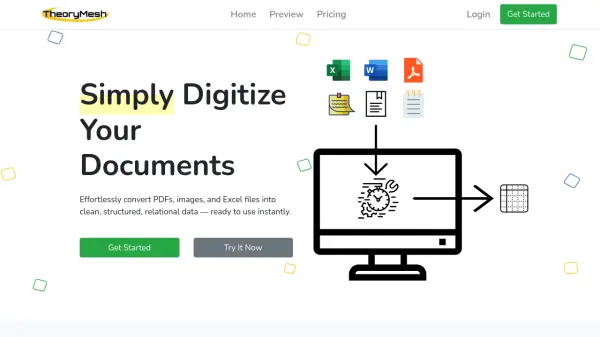
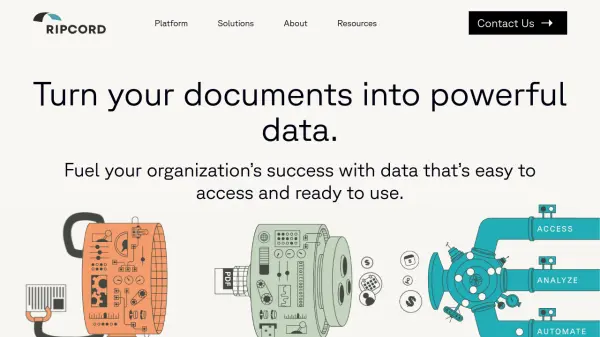
Ripcord empowers organizations by unlocking the valuable data trapped within their documents. Utilizing a combination of robotics and advanced AI, Ripcord digitizes both paper and digital documents, classifies them, and extracts key information.

This process ensures the data is highly accurate, easily accessible, and readily available for use in existing workflows or Ripcord's cloud-based content platform, Canopy. The resulting data streamlines key processes, providing critical insights and opening up new opportunities for improved decision-making and operational efficiency.

Features

  • Digitization: Robots convert paper documents into high-quality digital files, maintaining document integrity.
  • Intelligence: AI classifies documents, extracts, validates, and enriches data for accuracy and accessibility.
  • Action: Access, automate, or analyze data using existing tools or Ripcord's Canopy platform.

Use Cases

  • Accounts Receivable
  • Archival / Data Storage
  • Data Analysis
  • Workflow Automation
  • Business Continuity

Related Tools:

Blogs:

  • AI tools for video voice overs

    AI tools for video voice overs

    Discover the next level of video production with AI-powered voiceover tools. Enhance your content effortlessly, ensuring professional-quality narration for your videos.

  • Top AI tools for Teachers

    Top AI tools for Teachers

    Explore the top AI tools designed for teachers, revolutionizing the education landscape. These innovative tools leverage artificial intelligence to enhance teaching efficiency, personalize learning experiences, automate administrative tasks, and provide valuable insights, empowering educators to create engaging and effective educational environments.

  • Top 6 AI note-taking tools for 2026: in-person, online, and hybrid use cases

    Top 6 AI note-taking tools for 2026: in-person, online, and hybrid use cases

    Most AI note-taking lists are really lists of meeting bots, which join your video call and transcribe it. That's useful, but it's half the picture. Decisions happen in hallway conversations, client dinners, on-site visits, and hybrid rooms where nobody is on a video link. This guide covers different parts of the note-taking workflow: hardware capture for in-person settings, platform-native tools for online calls, and AI layers for organizing and synthesizing what you've captured. It compares six tools by capture context, workflow fit, pricing, and limitations.

Didn't find tool you were looking for?

Be as detailed as possible for better results