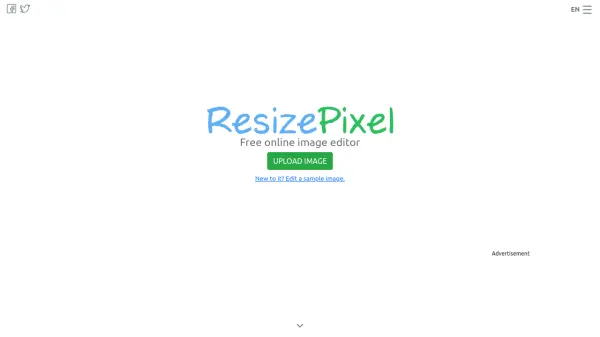
What is ResizePixel?
ResizePixel is a web-based image editing platform that provides users with a comprehensive suite of tools for modifying digital images. The service operates entirely online, eliminating the need for software downloads or installations. Users can upload their images and perform a variety of editing tasks directly through their web browser.
The platform supports multiple image formats including JPG, PNG, WEBP, TIFF, and GIF. It offers functionality for basic image manipulation such as resizing to specific pixel dimensions, cropping with custom aspect ratios, rotating at various angles, and mirroring horizontally or vertically. Additional features include image compression to reduce file size, conversion to black and white, and pixelation effects for entire images or selected areas.
Features
- Resize Image: Resize images online to specific pixel dimensions
- Crop Image: Crop images using custom or predefined aspect ratios
- Convert Image: Convert images between JPG, PNG, WEBP, TIFF, and GIF formats
- Compress Image: Compress JPG, PNG, and GIF images without quality loss
- Mirror Image: Mirror images horizontally or vertically
- Rotate Image: Rotate images by 90, 180, 270 degrees or any angle
- Reduce Image Size: Reduce image file size in kilobytes or megabytes
- Pixelate Image: Apply pixelation effects to entire images or specific parts
- Convert to Black and White: Transform color images to black and white
Use Cases
- Resizing product images for e-commerce listings
- Cropping photos for social media profiles
- Compressing images to reduce website loading times
- Converting image formats for compatibility with different applications
- Creating pixelated effects for artistic purposes
- Preparing images for presentations or documents
- Optimizing photos for email attachments
- Editing screenshots for tutorials or documentation