What is Replier?
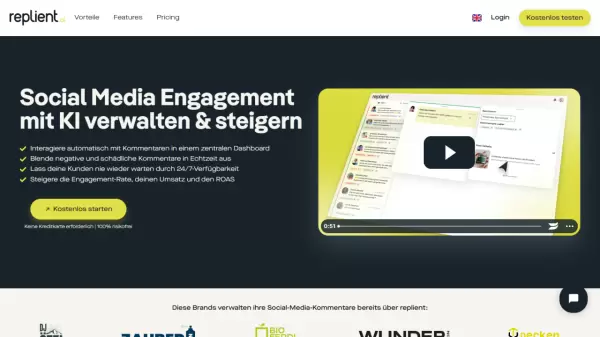
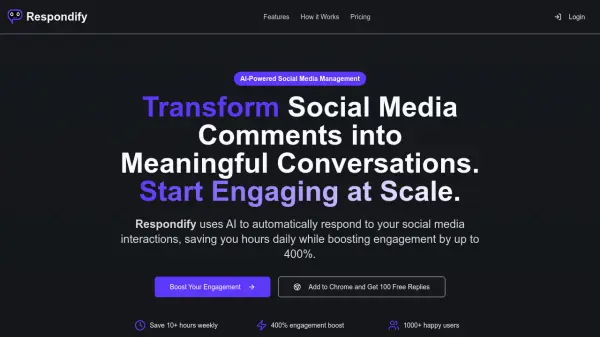
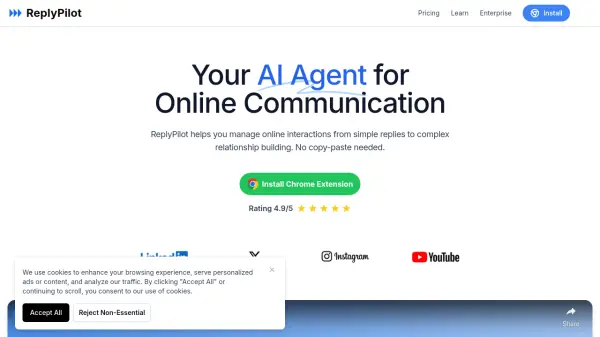
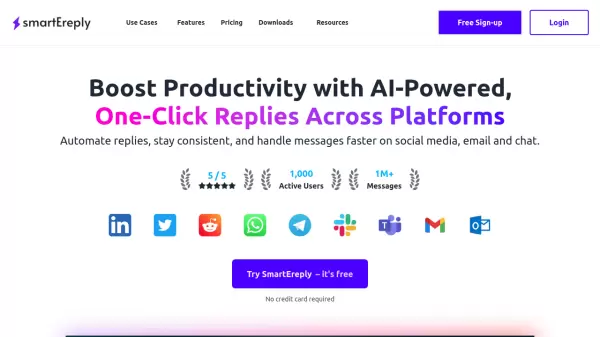
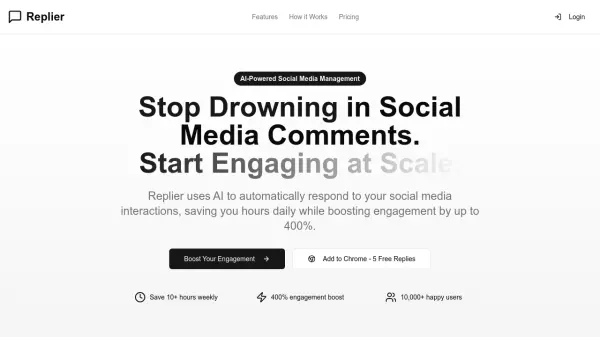
Replier is an AI-powered social media assistant that automates responses to comments, messages, and mentions across multiple platforms. It helps users save time and increase engagement by providing contextually relevant and timely interactions.
The tool offers multilingual support, allowing it to automatically detect and respond in the language of the original post. Users can also define custom prompts to tailor the AI's responses to their specific brand voice, ensuring consistency and relevance.
Features
- AI-Powered Responses: Generates contextually relevant and engaging responses to keep your audience interacting.
- Time-Saving Automation: Automate your social media interactions and free up hours of your time.
- Boost Engagement: Increase your social media engagement rates with timely and relevant responses, available 24/7.
- Multilingual Support: Respond to posts in multiple languages, automatically detecting and matching the language of the original post.
- Custom AI Prompts: Define custom prompts for the AI to tailor responses to your brand voice.
- Flexible Pricing: Offers flat-fee plans with a low cost of €0.01 per generation for exceeding limits.
Use Cases
- Automating responses to social media comments and messages.
- Maintaining a consistent brand presence across multiple platforms.
- Engaging with followers in multiple languages.
- Saving time on social media management.
- Increasing social media engagement rates.