What is Reimagic Studio?
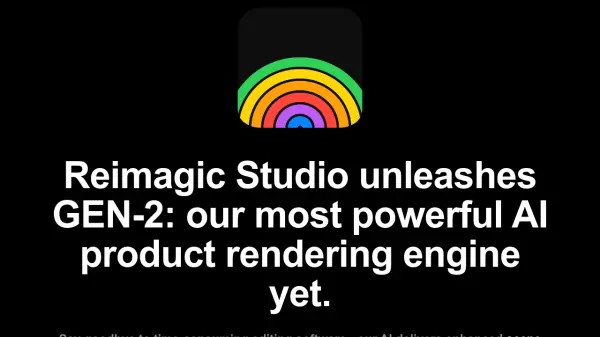
Leveraging its powerful GEN-2 AI rendering engine, Reimagic Studio streamlines the creation of professional product visuals. This technology enhances scene composition, produces lifelike material reflections, and maintains exceptional subject detail preservation, significantly reducing the time required compared to traditional editing software. Users can achieve high-quality results in minutes, moving away from hours of manual adjustments.
The platform offers precise control over scene elements, allowing users to position props accurately within the editor. The AI then automatically generates suitable backgrounds, lighting, and product reflections, simplifying the composition process without needing complex prompts. Integration with Rhino 3D (versions 7 & 8 on MacOS and Windows) is facilitated through a dedicated plugin, enabling direct generation of lifestyle renderings from 3D models. Additionally, a batch rendering feature allows users to queue multiple tasks, receiving notifications upon completion, further boosting workflow efficiency for designers and art directors.
Features
- GEN-2 AI Rendering Engine: Delivers enhanced scene composition, lifelike material reflections, and subject detail preservation.
- Precise Scene Composition: Allows exact placement of props via a scene editor, with automatic background and lighting generation.
- Rhino 3D Integration: Seamless workflow with Rhino 7 & 8 (MacOS/Windows) through a dedicated plugin.
- Batch Rendering: Queue multiple rendering tasks simultaneously and receive notifications upon completion.
Use Cases
- Generating professional lifestyle visuals for product designs.
- Creating product renderings directly from Rhino 3D models.
- Visualizing concepts for fashion shoots, artworks, and installations before production.
- Exploring lighting, compositions, and virtual locations for art direction.
- Accelerating the rendering process for industrial designers.