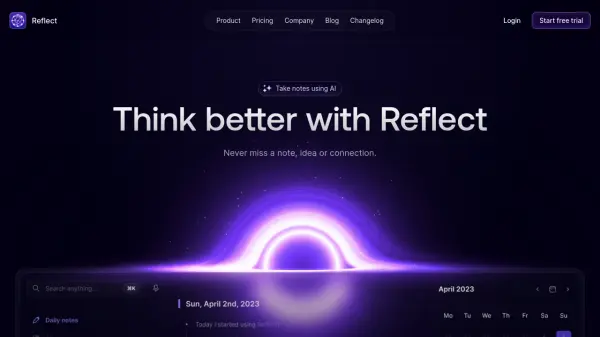
What is Reflect?
Reflect is a sophisticated note-taking platform that combines artificial intelligence with networked thought organization. Using GPT-4 and Whisper from OpenAI, it serves as an intellectual thought partner while providing end-to-end encrypted storage for users' notes and ideas.
The platform offers seamless synchronization across devices, with features like instant capture, calendar integration, and backlinked notes that mirror natural thought processes. Its integration capabilities extend to various platforms including Chrome, Safari, Kindle, Google Calendar, and Outlook, making it a comprehensive solution for knowledge management.
Features
- Networked Notes: Form a graph of ideas with backlinked notes
- AI Assistant: GPT-4 and Whisper integration for improved writing and organization
- End-to-end Encryption: Secure note storage with user-only access
- Cross-platform Sync: Instant synchronization across all devices
- Calendar Integration: Track meetings and agendas seamlessly
- Web Clipper: Save snippets from browser and Kindle
- Voice Transcription: Human-level accuracy for voice notes
- One-click Publishing: Share written content instantly
Use Cases
- Meeting note organization
- Research documentation
- Content writing and outlining
- Personal journaling
- Knowledge management
- Web research collection
- Reading highlight organization
- Task and agenda tracking
FAQs
-
What AI technology does Reflect use?
Reflect uses GPT-4 and Whisper from OpenAI to improve writing, organize thoughts, and act as an intellectual thought partner. -
How secure are my notes in Reflect?
All notes in Reflect are end-to-end encrypted, meaning only you can access them, not even the Reflect team. -
What platforms does Reflect integrate with?
Reflect integrates with Chrome, Safari, Kindle, Google Calendar, Outlook, Zapier, and Readwise. -
Is there an offline mode available?
Yes, Reflect offers offline access through its iOS app, allowing you to capture ideas on the go whether online or offline.