
What is QuizCreatorPro?
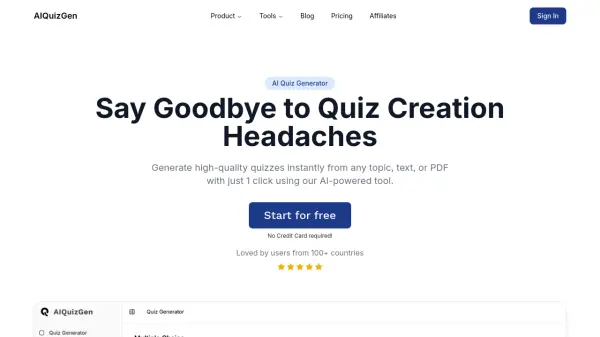
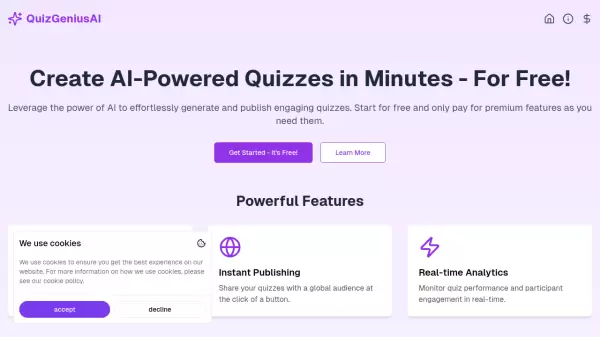
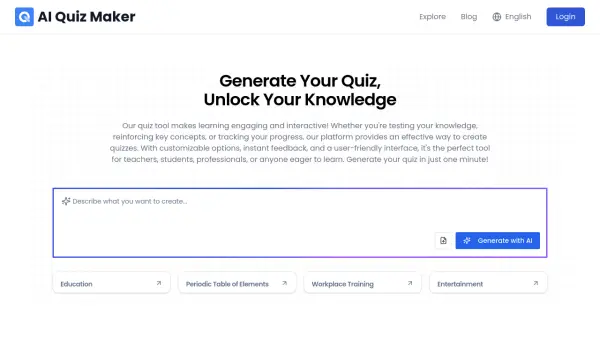
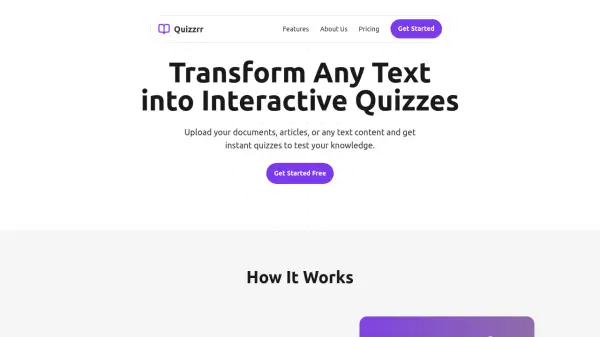
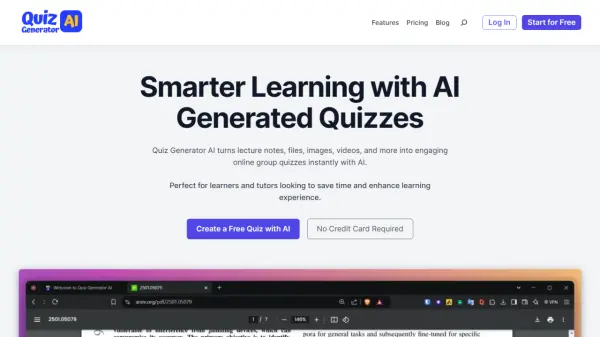
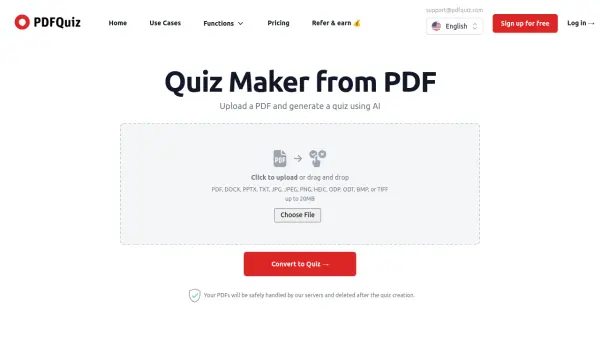
QuizCreatorPro is a powerful AI-driven platform designed to transform lesson notes, PDFs, Word documents, and any text into engaging quizzes in seconds. It supports multiple question types including multiple choice, true/false, and fill in the blank. Users can upload files or paste text, and the AI extracts key concepts to create customized assessments. The platform also offers instant study mode for interactive learning and comprehensive export options (PDF, CSV, DOCX, GIFT, QTI, JSON, Text) for seamless integration with LMS platforms. Trusted by educators, trainers, and students worldwide, it helps save hours of manual quiz creation.
Features
- AI Quiz Generation from Text: Paste any text to instantly create a quiz.
- File Upload Quiz Generation: Upload PDFs, Word docs, or presentations for automatic question extraction.
- Multiple Question Types: Create multiple choice, true/false, and fill-in-the-blank quizzes.
- Instant Study Mode: Jump into an interactive, distraction-free study session immediately after generation.
- Comprehensive Export Options: Export quizzes as PDF, CSV, DOCX, GIFT, QTI, JSON, or Text.
- 50+ Language Support: Generate quizzes in English, Spanish, French, Chinese, and many more languages.
Use Cases
- Teachers creating quizzes from lesson notes.
- Students studying by converting study guides into practice tests.
- Corporate trainers developing interactive onboarding materials.
- Online course creators building assessments for their courses.
- Universities generating exam prep quizzes from lecture PDFs.
- Homeschool parents making learning fun with custom quizzes.
FAQs
-
Can I get a refund?
Yes, if you do not like the product, contact us and we will refund you with no questions asked. -
Is the payment safe?
Our app uses Stripe, a secure and widely trusted payment gateway, to ensure the safety of financial transactions. -
How long does it take to generate a quiz?
It takes just 5 to 10 seconds. -
How can I contact customer support?
You can send an email to [email protected] or click the chat logo on the website to chat with us.