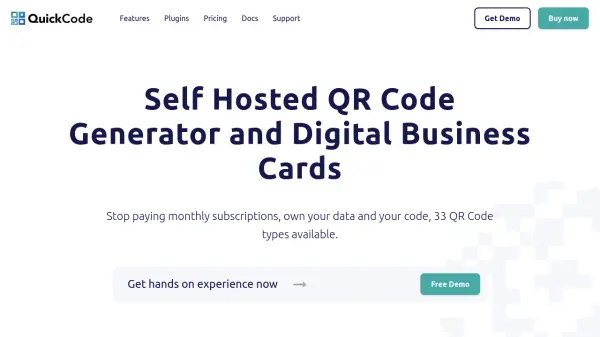
What is Quick Code?
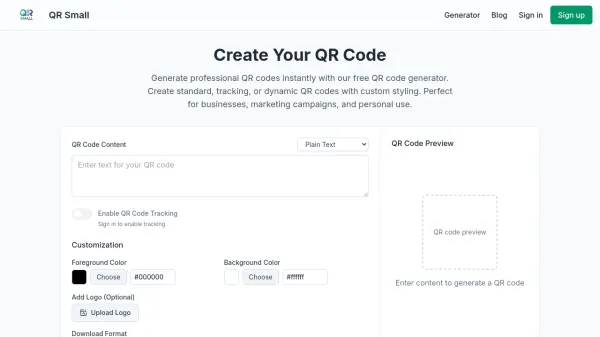
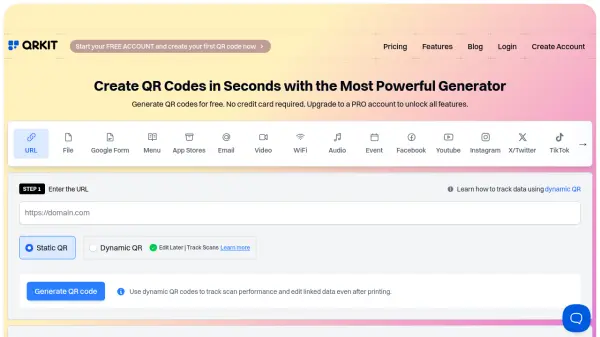
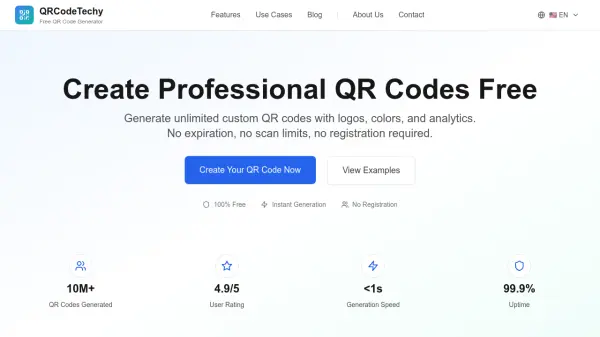
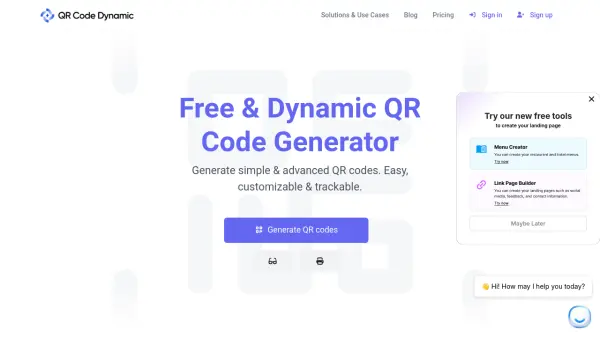
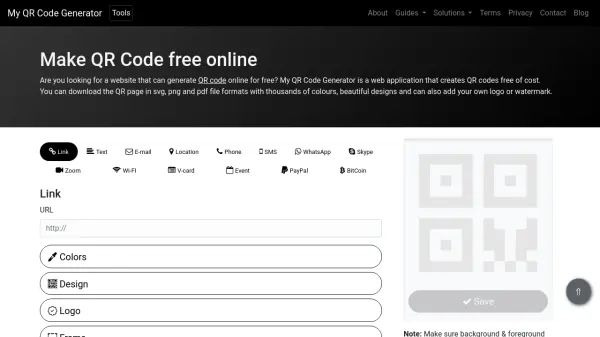
Quick Code provides a comprehensive self-hosted solution for generating QR codes and digital business cards. The platform eliminates monthly subscriptions by offering one-time purchase licenses, allowing users to own their data and code. It supports 33 different QR code types including dynamic URLs, vCards, email, SMS, payment processors like PayPal, and various messaging apps.
The tool features advanced customization options such as gradient creation with unlimited color stops, over 50 outlined shapes related to different business niches, and integration with multiple payment processors for global business operations. Users can access detailed analytics including daily scan statistics, device types, operating systems, and geographical data to understand audience engagement.
Features
- QR Code Generation: 33 different QR code types including dynamic URLs, vCards, payment processors, and messaging apps
- Customization Options: Advanced gradient creation with unlimited color stops and over 50 outlined shapes
- Analytics Dashboard: Detailed insights on daily scans, device types, operating systems, and geographical data
- Payment Integration: Support for multiple global payment processors across different regions
- Self-Hosted Solution: One-time purchase licenses that eliminate monthly subscription fees
Use Cases
- Creating digital business cards with vCard QR codes
- Generating payment QR codes for e-commerce transactions
- Developing marketing campaigns with dynamic URL QR codes
- Setting up WiFi access QR codes for guest networks
- Creating event registration QR codes with calendar integration