What is Quadrigram?
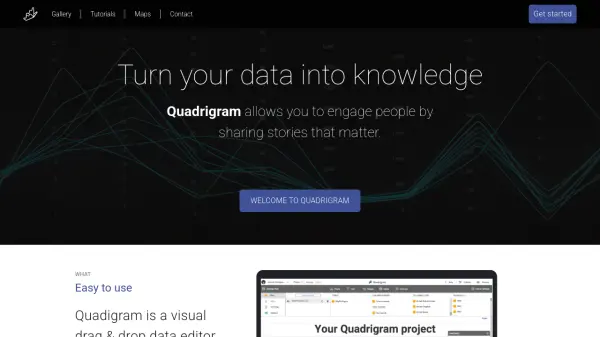
Quadrigram is a visual data editor that enables users to create rich interactive visualizations through a drag-and-drop interface, eliminating the need for coding expertise. It allows the combination of texts, images, and interactive elements to bring data to life, facilitating storytelling and effective communication of insights.
The platform supports data import from CSV or XLS files via Google Drive, with a focus on privacy as it does not store user data. Users can create articles, presentations, or embedded visualizations to share their findings, making it suitable for various professional and educational applications.
Features
- Visual Drag & Drop Editor: Create interactive visualizations without coding skills
- Data Import: Load CSV or XLS files from Google Drive with no data storage
- Interactive Storytelling: Combine texts, images, and visualizations to bring data to life
- Multiple Chart Types: Access 17 different chart types for diverse data representation
- Sharing Options: Create articles, presentations, or embedded visualizations for communication
Use Cases
- Creating data-driven articles for online publications
- Developing interactive presentations for business meetings
- Embedding visualizations in websites or reports
- Educational storytelling with data in classrooms
- Professional data analysis and insight sharing