ProShots favicon

ProShots
Create Professional Headshots with AI

What is ProShots?

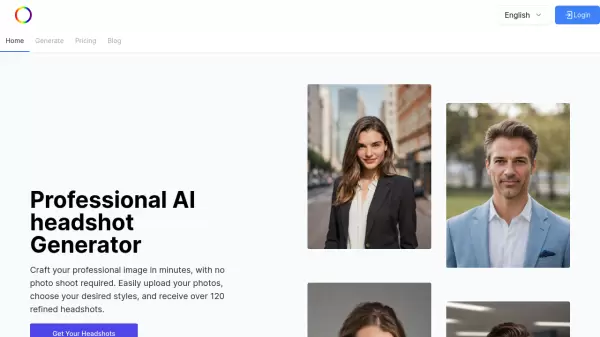
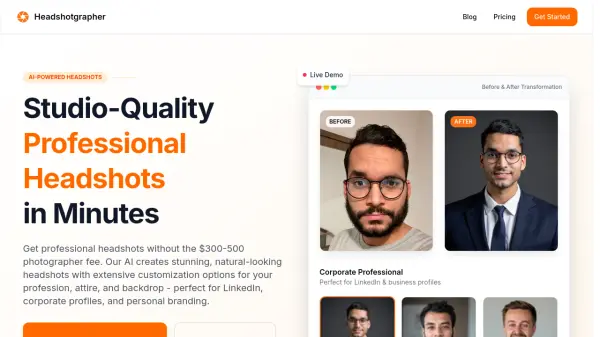
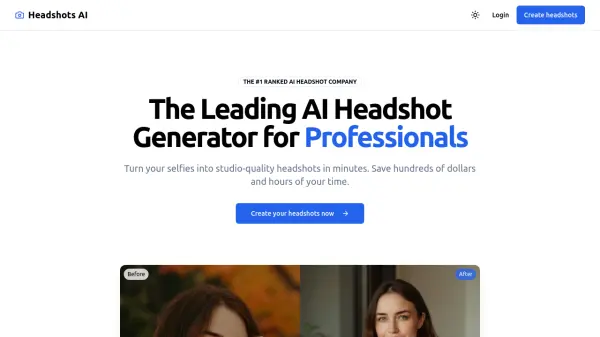
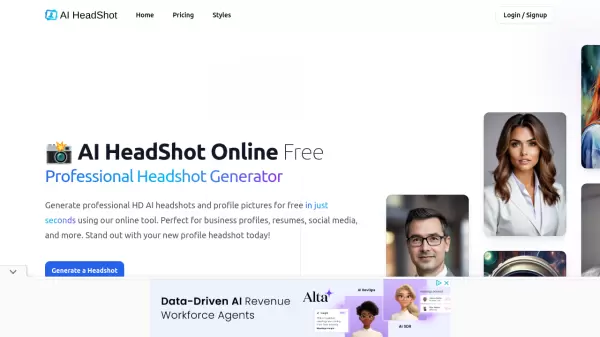
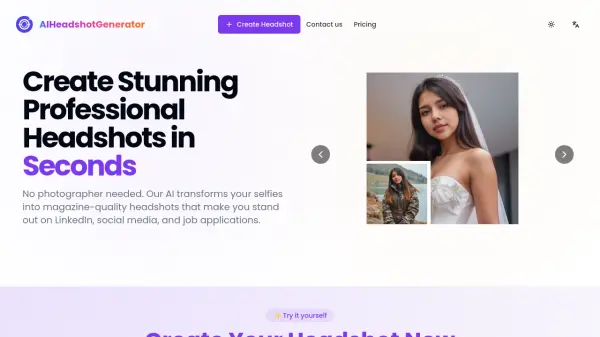
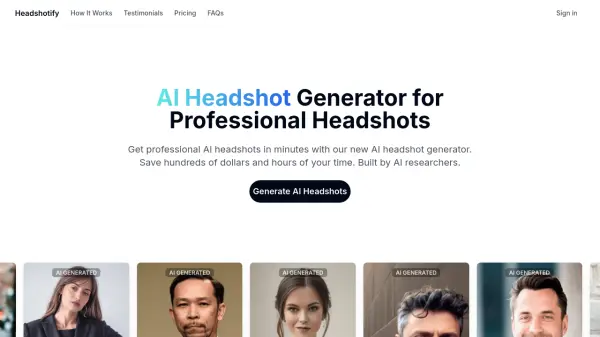
ProShots is a cutting-edge application designed to help users create professional-quality headshots using advanced AI technology. By simply uploading their photos and selecting preferred styles, users can achieve realistic headshots without the need for a professional photographer or expensive lighting equipment.

The process involves choosing a specific location, pose, and attire, allowing the AI to generate a headshot tailored to the user's preferences. The flexibility to create multiple images and save them in high resolution enhances its utility for both personal and professional use.

Features

  • Ease of use: Seamless interface for selecting location, pose, and attire
  • High-resolution output: Provides high quality, realistic images

Use Cases

  • Creating professional headshots for job applications
  • Generating corporate images for business profiles

FAQs

  • How does ProShots work?
    ProShots uses advanced AI technology to generate professional headshots by allowing users to upload photos, select styles, and customize details like location, pose, and attire.
  • What are the key features of ProShots?
    Key features include a seamless interface for selecting details, high-resolution output for realistic images, and the ability to create multiple tailored headshots.

Helpful for people in the following professions

Related Tools:

Blogs:

  • Chat with PDF AI Tools

    Chat with PDF AI Tools

    Easily interact with your PDF documents using our advanced AI-powered tool. Whether you're reading lengthy reports, research papers, contracts, or eBooks, our platform lets you chat directly with your PDF files, ask questions, extract insights, and get summaries in real-time.

  • Top 6 AI note-taking tools for 2026: in-person, online, and hybrid use cases

    Top 6 AI note-taking tools for 2026: in-person, online, and hybrid use cases

    Most AI note-taking lists are really lists of meeting bots, which join your video call and transcribe it. That's useful, but it's half the picture. Decisions happen in hallway conversations, client dinners, on-site visits, and hybrid rooms where nobody is on a video link. This guide covers different parts of the note-taking workflow: hardware capture for in-person settings, platform-native tools for online calls, and AI layers for organizing and synthesizing what you've captured. It compares six tools by capture context, workflow fit, pricing, and limitations.

  • Best text to speech AI tools

    Best text to speech AI tools

    Text-to-speech (TTS) AI tools are designed to convert written or text-based content into natural-sounding spoken audio. These tools utilize various deep learning and neural network architectures to generate human-like speech from textual input.

Didn't find tool you were looking for?

Be as detailed as possible for better results