What is Headshotgrapher?
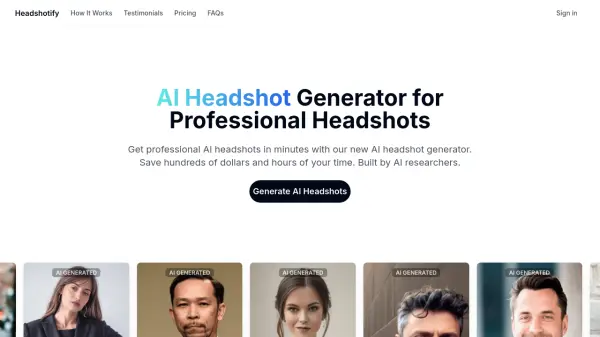
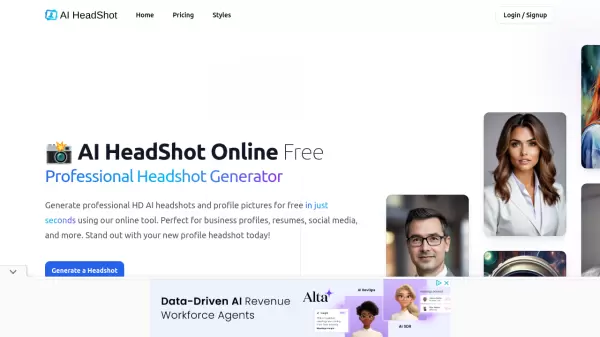
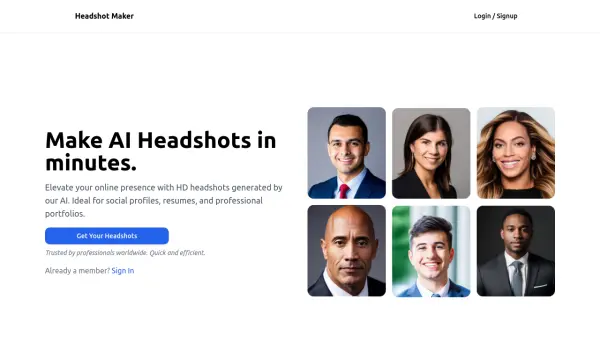
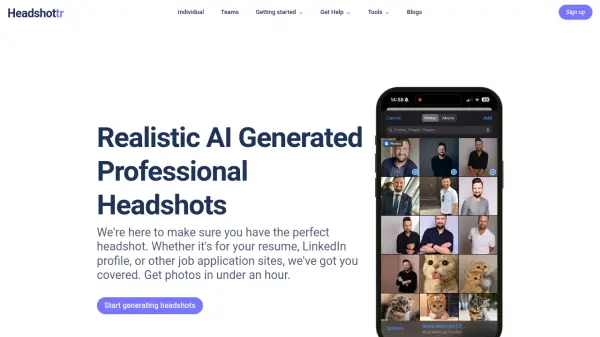
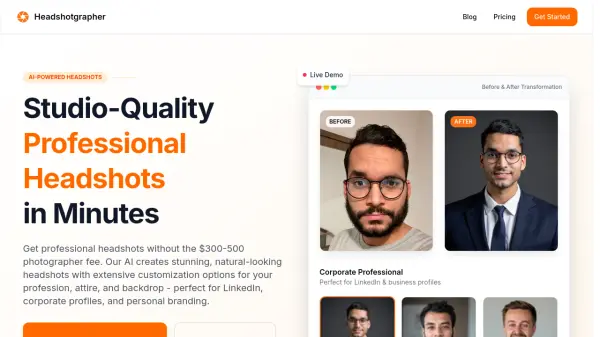
Headshotgrapher offers a fast and affordable way to obtain professional headshots. The AI-powered platform generates high-quality images suitable for various professional needs, including LinkedIn profiles, corporate websites, and personal branding.
It provides extensive customization options, allowing users to tailor their headshots with different professional categories, attire, and backdrops. The integrated AI editing tool enables further refinement through simple text prompts, offering precise control over lighting, expressions, and backgrounds.
Features
- AI-Powered Image Editing: Refine headshots with simple text prompts for adjustments to lighting, expressions, and backgrounds.
- Customizable Attire: Choose from a variety of costumes and outfits relevant to your profession.
- Stunning Backdrops: Select from various background options, from professional office settings to creative environments.
- 14+ Professional Categories: Tailor your headshot to specific industries, including executive, medical, tech, and finance.
- Fast Turnaround: Generates and delivers headshots within approximately 3 minutes.
Use Cases
- Enhance LinkedIn profiles with professional headshots.
- Create consistent branding for corporate websites.
- Improve personal branding for resumes and portfolios.
- Use on professional social media platforms.
- Update headshots for job applications.
FAQs
-
How realistic are the AI-generated headshots?
Our AI creates remarkably natural-looking, professional headshots that are indistinguishable from traditional photography. We use advanced AI technology to ensure authentic results with proper lighting, natural skin tones, and professional composition. -
What customization options are available?
We offer extensive customization options including 14+ professional categories (executive, medical, tech, finance, marketing, hospitality, real estate, and more), various costume options relevant to your profession, and multiple backdrop choices to create the perfect professional look tailored to your career needs. -
How long does it take to get my headshots?
The entire process takes approximately 3 minutes from upload to receiving your finished headshots. After uploading your photos and selecting your customization options, our AI works instantly to generate your professional headshots, which are immediately available for download. -
Can I edit or customize my headshots after they're generated?
Yes! We've introduced an advanced AI image editor that allows you to customize and perfect your headshots with simple text prompts. Each edit consumes a credit. Just tell the AI what changes you want - like adjusting lighting, changing backgrounds, or enhancing expressions - and it will instantly apply those edits to your image. -
What if I'm not satisfied with my headshots?
We offer a 100% satisfaction guarantee. If you're not completely satisfied with your headshots, please contact our support team, and we'll work with you to address your concerns or provide a full refund.