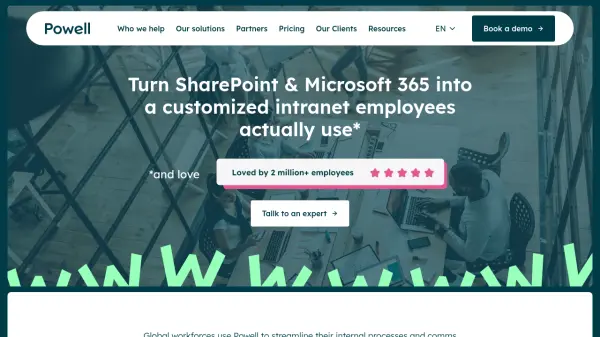
What is Powell?
Powell is a digital workplace solution that transforms Microsoft 365 and SharePoint into a customized intranet platform. It consolidates existing tech stacks and internal communications into a centralized hub designed for maximum employee engagement. The platform features an AI-augmented digital workplace with generative AI capabilities, dynamic knowledge management, and advanced analytics.
The system provides enterprise-level security with compliance features tailored for regulated industries like banking, legal, healthcare, and local councils. It enables hyper-secure remote work with permission-based storage, encrypted communication, and role-based access control. Powell integrates Microsoft tools and third-party solutions into a user-friendly interface that streamlines internal processes and reduces time spent searching for information.
Features
- AI Augmented Digital Workplace: Incorporates generative AI and AI-powered search for document retrieval and workflow automation
- Integrated Platform: Centralizes Microsoft 365, SharePoint, Teams, and third-party solutions in one digital hub
- Dynamic Knowledge Management: Organizes and manages content with advanced search capabilities and version tracking
- Advanced Customization & Design: Offers extensive customization options for intranet interfaces and user experiences
- Security & Compliance: Provides enterprise-level security with audit trails, role-based access control, and regulatory compliance features
Use Cases
- Transforming SharePoint into a user-friendly intranet for employee engagement
- Centralizing internal communications and document management for regulated industries
- Enabling hyper-secure remote work with permission-based storage and encrypted communication
- Streamlining mergers and acquisitions through organizational scalability features
- Automating council and committee workflows for local government operations
FAQs
-
What industries does Powell specifically cater to?
Powell is designed for regulated industries including banking and finance, legal firms, pharmaceutical and healthcare organizations, and local councils. -
How does Powell integrate with existing Microsoft tools?
Powell integrates SharePoint, Microsoft 365, Teams, and other Microsoft applications into a single, user-friendly intranet platform that centralizes collaboration, document access, and communication. -
What security features does Powell offer for regulated industries?
Powell provides enterprise-level security with audit trails, role-based access control, encrypted communication, permission-based storage, and compliance features tailored to regulatory requirements.