What is Pixverse AI?
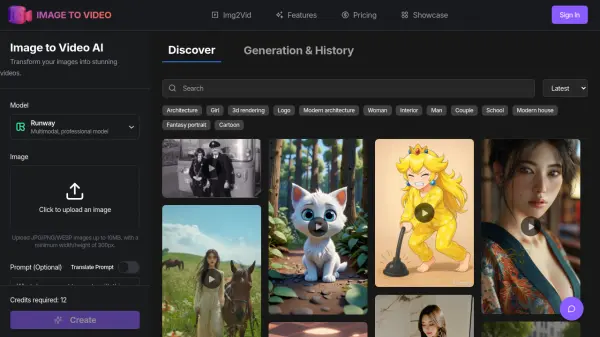
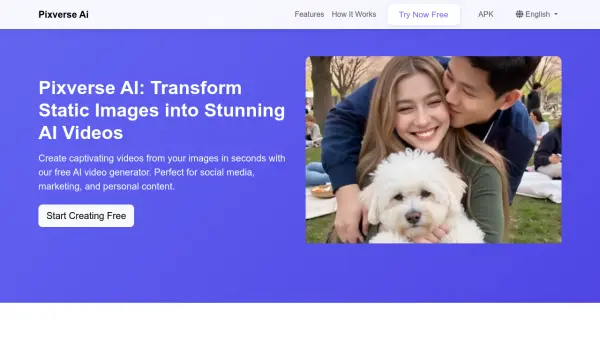
Pixverse AI leverages cutting-edge artificial intelligence to revolutionize the way video content is created. The platform combines advanced deep learning algorithms with an intuitive user interface, making professional video creation accessible to everyone.
Pixverse AI utilizes the latest developments in artificial intelligence and deep learning to deliver exceptional video generation capabilities. The technology understands the natural movement and dynamics of different subjects, allowing for realistic and engaging animations that bring static images to life, from subtle portrait animations to dynamic scene transformations.
Features
- AI Video Generation: Transform static images into dynamic videos using state-of-the-art AI technology.
- Smart Animation: Add professional animation effects with just one click.
- Style Transfer: Transform your content with AI-powered style effects.
Use Cases
- Social media content
- Product demonstrations
- Marketing campaigns
- Personal projects
- Online advertising
- E-commerce product displays
FAQs
-
What types of images can I animate?
Pixverse AI works with various types of images including: Portrait photos, Landscape images, Product photos, Artwork and illustrations, Marketing materials. -
Do I need technical skills to use Pixverse AI?
Not at all! Pixverse AI is designed to be user-friendly and intuitive. Our AI handles all the complex technical aspects of video generation. You just need to upload your image and choose your preferred effect - it's that simple! -
How fast can I create a video ?
With Pixverse AI, you can generate a video in just a few minutes. Our AI processes images quickly, and most videos are ready within 60 seconds. You can create multiple videos in one session, making it perfect for bulk content creation. -
Can I use the videos commercially?
Yes! Videos created with Pixverse AI's free plan can be used for both personal and commercial purposes.