
What is PixelArtify?
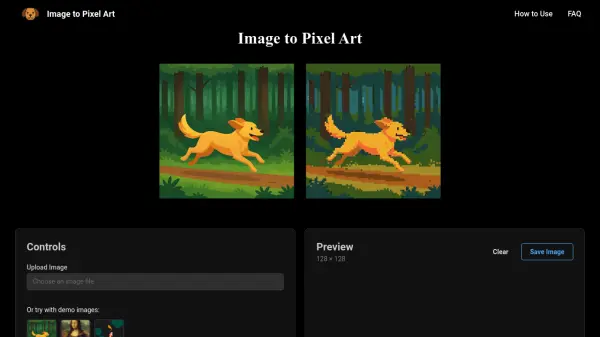
PixelArtify is an advanced online tool designed to transform standard images into pixel art creations using intelligent algorithms. The platform allows users to upload images in various formats and apply customizable settings to achieve the desired pixelated aesthetic.
With features like smart color reduction, multiple dithering options, and adjustable resolution controls, PixelArtify provides a comprehensive solution for creating pixel art. Users can download their creations in high-quality PNG format, making it suitable for various digital art projects and applications.
Features
- Smart Color Reduction: Intelligently reduces colors while maintaining image quality using advanced algorithms
- Multiple Dithering Options: Choose from various dithering methods to achieve your desired pixel art style
- Customizable Resolution: Adjust pixel size and output scale to create the perfect pixelated look
- Easy Export: Download your pixel art creations in high-quality PNG format
Use Cases
- Creating pixel art for video game assets
- Designing retro-style graphics for digital projects
- Converting photographs into pixel art for artistic purposes
- Generating pixel art for social media content
- Creating pixel art for website design elements
FAQs
-
What is pixel art?
Pixel art is a form of digital art where images are created and edited at the pixel level, typically using a limited color palette. -
What file types are supported?
Our tool supports common image formats including PNG, JPEG, GIF, and WebP files. -
What is dithering?
Dithering is a technique used to create the illusion of color depth in images with a limited color palette. -
Is there a file size limit?
Yes, we recommend using images under 5MB for optimal performance.