What is Ping?
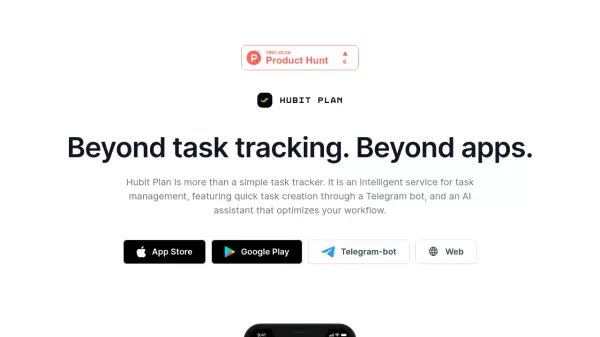
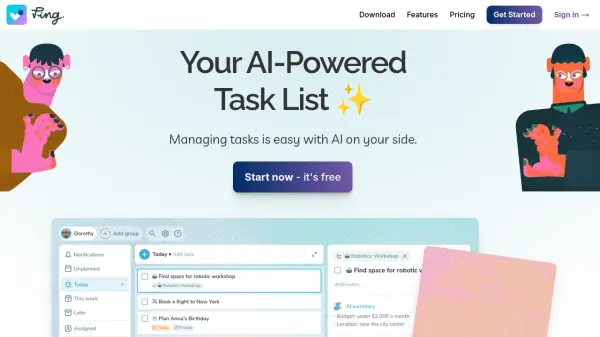
Ping is an innovative task management application designed to streamline your workflow. It leverages the power of artificial intelligence to simplify creating, organizing, and managing tasks.
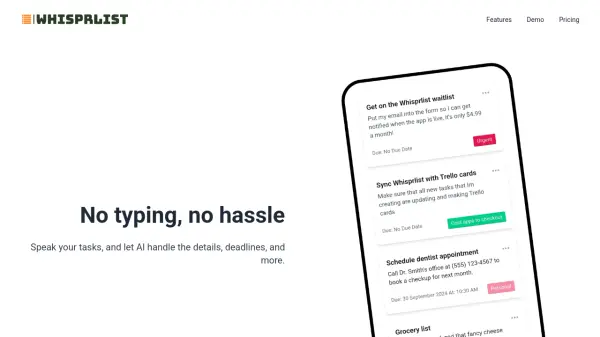
The application allows users to dictate tasks using voice, create tasks from emails by starring them, or capture tasks using a camera. Ping's AI then processes this input to extract key details like task titles, deadlines, reminders, assignees, and summaries. It also provides an AI Task Assistant, calendar integration, and collaboration features.
Features
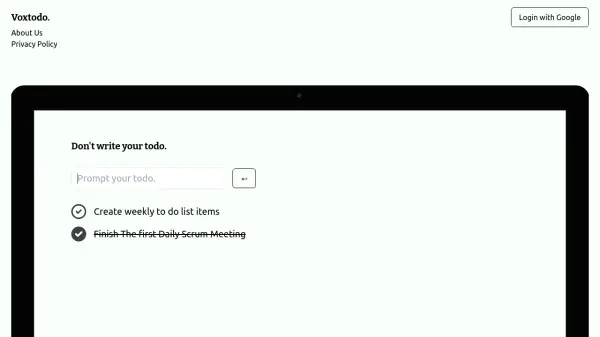
- Voice Input: Dictate tasks like messages; AI detects title, deadline, reminder, and assignee.
- Email Integration: Create tasks by starring emails; AI generates actionable titles and summaries.
- Image Capture: Create tasks from photos or screenshots; AI extracts key information.
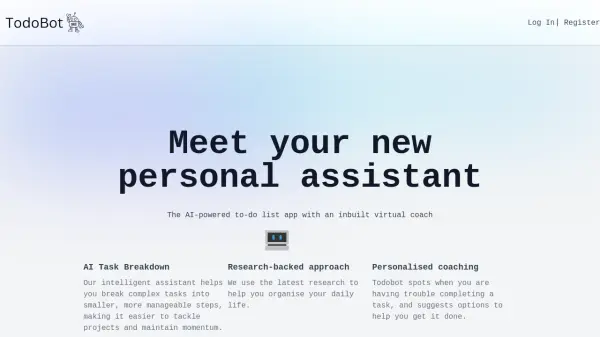
- AI Task Assistant: Provides step-by-step guidance for completing tasks.
- Calendar Sync: Integrates with your calendar to display task deadlines.
- Collaboration: Allows seamless collaboration with anyone, no setup required.
- Reminders: Set reminders for tasks.
- Colored Tags: Organize tasks with colored tags.
- Repeating Tasks: Create recurring tasks.
- Daily Planning: Plan your day effectively.
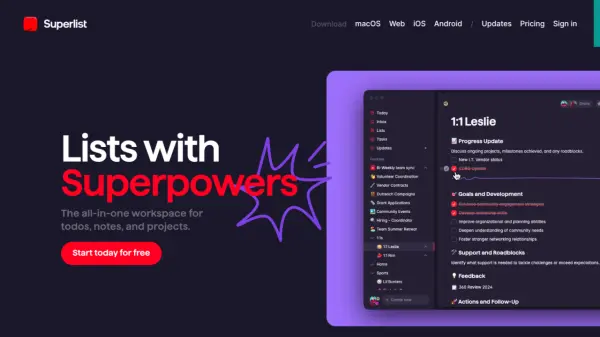
- Kanban Boards: Visualize tasks with Kanban boards.
- Projects: Manage multiple projects.
Use Cases
- Managing daily to-do lists.
- Organizing project tasks.
- Collaborating on team projects.
- Creating tasks from emails and meeting notes.
- Setting reminders for important deadlines.
- Capturing action items from photos or screenshots.