Photostockeditor favicon

Photostockeditor
Free Stock Photos for Commercial and Personal Use

What is Photostockeditor?

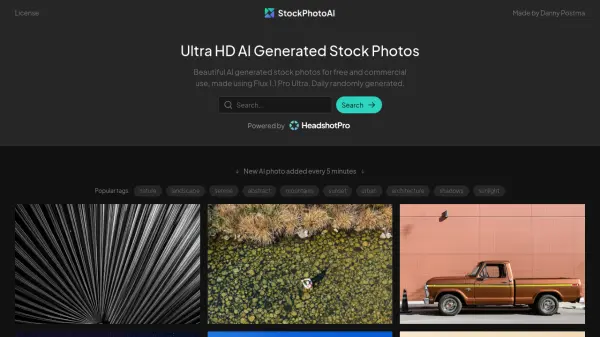
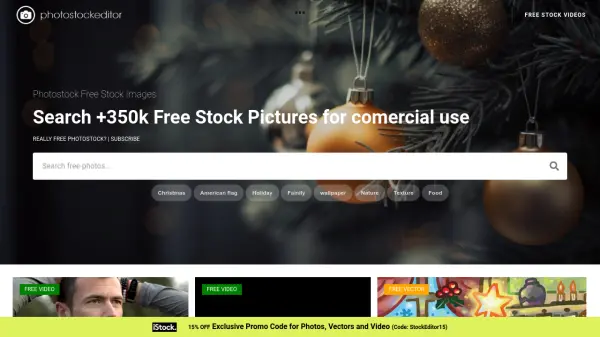
Photostockeditor is a resource for finding high-quality, free stock photos suitable for a variety of projects. The platform provides access to thousands of images, all available for download and use without any cost.

The site aggregates images from multiple stock photo providers through APIs, centralizing them in one location for easy access. Users can search by keywords, browse various categories, and download high-resolution versions of the images they select. New images are added daily.

Features

  • Keyword Search: Easily find images using specific keywords (e.g., "flowers," "dogs").
  • High-Resolution Downloads: Access and download images in high resolution.
  • Diverse Categories: Browse a wide range of categories, including landscapes, animals, and people.
  • API Integration: Utilizes APIs from multiple stock photo providers.
  • Daily Updates: New, high-quality pictures are added every day.
  • User-Friendly Interface: Features a smooth and intuitive user interface for easy navigation.

Use Cases

  • Website design and development
  • Blog post illustrations
  • Marketing and advertising materials
  • Social media content creation
  • Print media projects
  • Presentations and slideshows
  • Digital book covers

Related Tools:

Blogs:

  • Chat with PDF AI Tools

    Chat with PDF AI Tools

    Easily interact with your PDF documents using our advanced AI-powered tool. Whether you're reading lengthy reports, research papers, contracts, or eBooks, our platform lets you chat directly with your PDF files, ask questions, extract insights, and get summaries in real-time.

  • Top 6 AI note-taking tools for 2026: in-person, online, and hybrid use cases

    Top 6 AI note-taking tools for 2026: in-person, online, and hybrid use cases

    Most AI note-taking lists are really lists of meeting bots, which join your video call and transcribe it. That's useful, but it's half the picture. Decisions happen in hallway conversations, client dinners, on-site visits, and hybrid rooms where nobody is on a video link. This guide covers different parts of the note-taking workflow: hardware capture for in-person settings, platform-native tools for online calls, and AI layers for organizing and synthesizing what you've captured. It compares six tools by capture context, workflow fit, pricing, and limitations.

Didn't find tool you were looking for?

Be as detailed as possible for better results