PDF Redactor Online favicon

PDF Redactor Online
Secure browser-based PDF redaction with complete privacy

What is PDF Redactor Online?

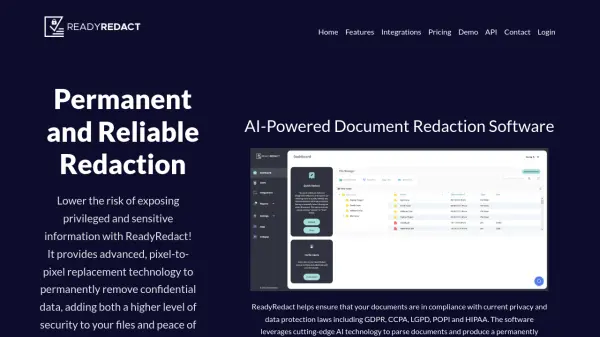
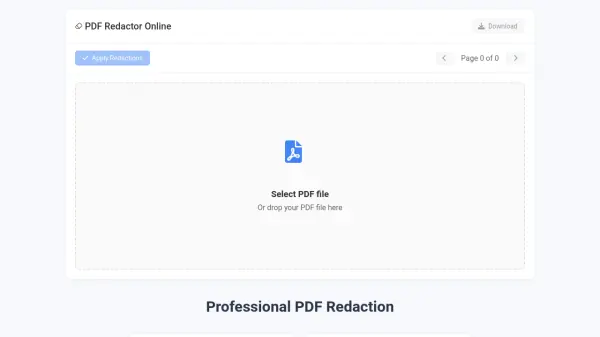
PDF Redactor Online is a privacy-focused web application designed for securely removing sensitive information from PDF documents. The tool operates entirely within the user's browser, meaning documents are never uploaded to external servers, ensuring maximum data security and compliance with privacy regulations.

Users can easily draw redaction boxes over text or areas they wish to conceal, preview changes in real-time, and download the permanently redacted PDF file. This process completely eliminates the underlying content rather than simply overlaying black boxes, making it suitable for legal, medical, and business documents where confidentiality is paramount.

Features

  • Complete Privacy: All processing occurs in the browser with no data uploads or server involvement
  • Permanent Redaction: Completely removes sensitive information rather than overlaying black boxes
  • Easy to Use: Simple drag-and-draw interface for selecting areas to redact with instant preview and download

Use Cases

  • Redacting confidential information from legal documents before sharing
  • Removing personal health information from medical records for privacy compliance
  • Protecting sensitive business information in documents before public disclosure
  • Removing private details from personal documents before sharing

Related Tools:

Blogs:

  • AI Testimonial Videos: How to Build Social Proof That Actually Converts

    AI Testimonial Videos: How to Build Social Proof That Actually Converts

    AI testimonial videos are transforming marketing in 2026 by helping businesses create professional customer-style videos quickly and affordably. Using real customer reviews, short scripts, and AI tools like Pollo AI, brands can produce engaging testimonials for social media, landing pages, and ads while saving time and improving conversions.

  • Top 6 AI note-taking tools for 2026: in-person, online, and hybrid use cases

    Top 6 AI note-taking tools for 2026: in-person, online, and hybrid use cases

    Most AI note-taking lists are really lists of meeting bots, which join your video call and transcribe it. That's useful, but it's half the picture. Decisions happen in hallway conversations, client dinners, on-site visits, and hybrid rooms where nobody is on a video link. This guide covers different parts of the note-taking workflow: hardware capture for in-person settings, platform-native tools for online calls, and AI layers for organizing and synthesizing what you've captured. It compares six tools by capture context, workflow fit, pricing, and limitations.

Didn't find tool you were looking for?

Be as detailed as possible for better results