What is Onehub?
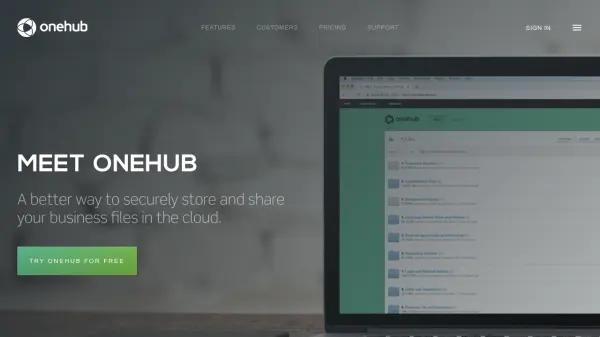
Onehub offers a secure cloud-based solution for businesses to store, organize, and share files with precise access controls. Designed to maintain original folder and file structures, it provides role-based permissions such as Viewer, Creator, and Administrator to ensure comprehensive data security and streamlined collaboration. With virtual data room features, businesses can manage sensitive information with confidence, utilizing capabilities like document watermarking, audit trails, stealth collaboration, and non-disclosure agreements.
Beyond robust security, Onehub allows organizations to deliver custom-branded client portals, complete with private workspaces and white-labeling options, fostering a professional client experience. The platform supports easy set-up, drag-and-drop uploads, and high-quality file previews, making it ideal for teams seeking productivity, confidentiality, and a customizable cloud file-sharing solution.
Features
- Role-Based Permission Controls: Define Viewer, Creator, and Administrator abilities for files and folders.
- Virtual Data Rooms: Provides secure environments for sensitive data sharing, including document watermarking and NDAs.
- Custom-Branded Client Portals: Offers fully white-labeled workspaces with company branding and custom domains.
- High Security: Features enterprise-grade security, password-protected links, and two-factor authentication enforcement.
- Audit Trails: Tracks complete histories of all document and user activities.
- Drag-and-Drop Uploads: Supports easy folder and file uploads for increased productivity.
- Advanced Search: Full-text file search capabilities for quick content discovery.
- FTP Support: Allows integration with traditional FTP workflows.
Use Cases
- Safely storing and organizing business files in the cloud.
- Sharing documents securely with clients, partners, or internal teams.
- Setting up virtual data rooms for due diligence during M&A or other sensitive transactions.
- Managing branded client portals for streamlined communication and document collaboration.
- Providing secure, trackable access for remote teams and external collaborators.
- Enforcing compliance with audits and detailed permissions for regulated industries.
FAQs
-
What is a paid user in Onehub?
A paid user in Onehub is someone invited to your account, or any user invited to a workspace as a Collaborator, Moderator, or Administrator. Users invited to three or more workspaces are also considered paid users. -
Do I have to pay for every user I invite?
No. Users invited at the workspace, folder, or file level as a Viewer, Printer, Downloader, or Creator are free up to your plan’s total user limit. These types of users are typically external collaborators. -
Can I pay annually to save costs?
Yes. Annual billing options are available and provide up to 20% off the monthly subscription rate. -
How do I change my plan or cancel service?
You can change your plan or cancel your service from your Account Summary or Account settings page. Cancellations take effect at the end of your current billing period. -
Do you offer discounts for non-profits and schools?
Yes. Onehub offers a 20% discount to eligible non-profits and schools. Interested organizations should contact the sales team after starting a free trial.