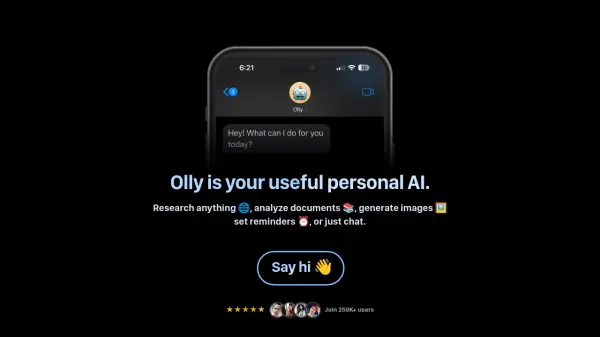
What is Olly?
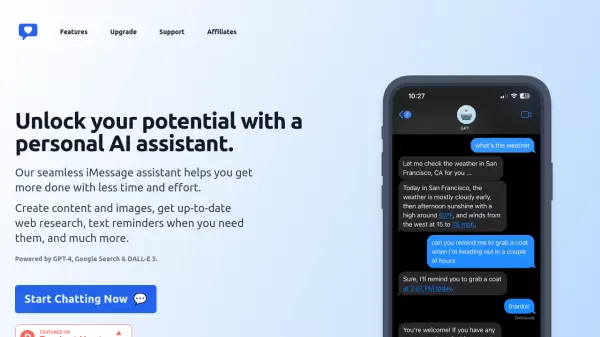
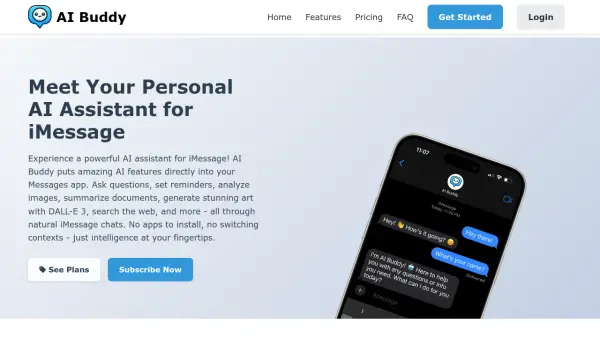
Olly provides a versatile personal AI assistant integrated directly into iMessage. Users can interact with it for various tasks without needing separate downloads or signups, ensuring privacy by not collecting identifying information. The tool allows users to send voice messages and images to receive assistance, making interaction intuitive and flexible. It can also process PDFs, documents, and articles, offering summarization or answering specific questions based on the provided text.
Leveraging web connectivity, Olly delivers fast and accurate answers to queries, staying constantly up-to-date. For creative needs, it employs specialized models tailored to different design requirements, enabling image generation. Additionally, it functions as a productivity aid through simple text-based reminders. The AI is designed to learn from user interactions over time, improving its ability to anticipate needs and provide more personalized assistance.
Features
- Research Anything: Access fast and accurate answers powered by the web.
- Analyze Documents: Summarize or answer questions about PDFs, documents, and articles.
- Generate Images: Uses specialized models for various design needs.
- Set Reminders: Simple text reminders to stay organized.
- Voice & Image Input: Interact using voice messages and images.
- Contextual Learning: Improves over time by learning user preferences.
- Privacy Focused: No downloads, signups, or identifying information required.
- iMessage Integration: Accessible directly within iMessage.
Use Cases
- Quickly researching topics online.
- Summarizing long articles or documents.
- Generating images for creative projects.
- Setting reminders for daily tasks.
- Getting answers by sending voice memos or images.
- Chatting for information or brainstorming.
- Analyzing content within PDF files.