What is Notchtastic?
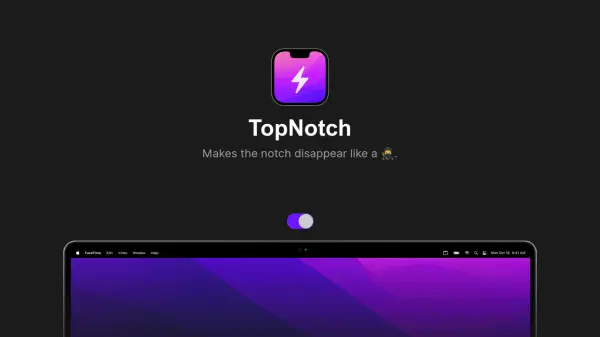
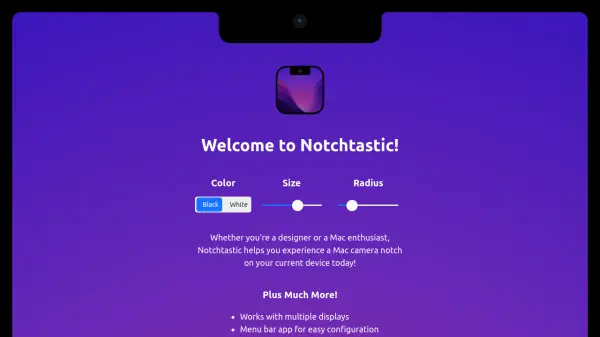
Notchtastic is a macOS application designed to simulate the appearance of a Mac camera notch on your current device's display. It provides users with the ability to customize the notch's color, size, and radius to match their preferences or design needs. The application integrates seamlessly with the macOS environment, functioning as a menu bar app for easy configuration and management.
Key functionalities include support for multiple displays, cursor hiding when underneath the notch, persistence across spaces, and inclusion in screenshots. Notchtastic also offers a preference for launching on login, ensuring the notch is available whenever needed. It is specifically built for Macs running macOS 11 or higher, making it a niche tool for enhancing the visual experience on compatible devices.
Features
- Color Customization: Choose between black or white for the notch appearance
- Size Adjustment: Modify the size of the simulated notch to fit your display
- Radius Control: Adjust the corner radius of the notch for a customized look
- Multiple Display Support: Works across all connected displays simultaneously
- Menu Bar Integration: Easy access and configuration via a menu bar app
- Cursor Hiding: Automatically hides the cursor when it moves underneath the notch
- Cross-Space Persistence: The notch remains visible across different desktop spaces
- Launch on Login: Option to automatically start the app when you log in
- Screenshot Inclusion: The notch is captured in screenshots for accurate representation
Use Cases
- Designers testing interface layouts with a notch simulation
- Mac enthusiasts wanting to preview the notch experience on non-notch devices
- Users customizing their desktop aesthetics with a simulated notch
- Developers needing visual consistency in design mockups
- Educators demonstrating notch-related UI concepts in presentations