What is TopNotch?
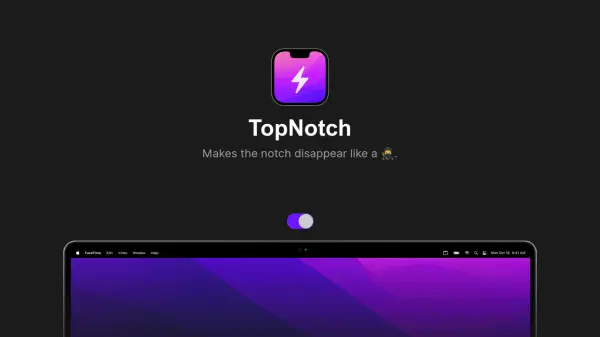
TopNotch is a macOS application designed to enhance the visual experience on MacBook Pro models with a notch by making it disappear seamlessly. The app works by dynamically adjusting wallpapers to hide the notch, creating a cleaner and more immersive display. It supports macOS Dynamic Desktop Wallpapers, ensuring smooth transitions and compatibility with various wallpaper settings.
TopNotch operates efficiently in the background, monitoring for wallpaper changes and applying adjustments automatically. It works well with multiple displays and spaces, providing consistent performance across different setups. Users can also enable an option to add rounded corners to their wallpaper, further customizing the appearance. The app requires macOS 11.0 or newer and is available for free download, developed by the team behind CleanShot, a reputable macOS screen capture tool.
Features
- Dynamic Wallpapers: Supports macOS Dynamic Desktop Wallpapers for seamless notch hiding
- Multiple Displays: Works well with multiple displays and spaces for consistent performance
- Background Operation: Stays in the background and watches for wallpaper changes automatically
- Round Corners: Option to add rounded corners to wallpaper for enhanced customization
Use Cases
- Hiding the notch on MacBook Pro displays for a cleaner look
- Customizing wallpaper appearance with rounded corners
- Maintaining consistent display aesthetics across multiple monitors
- Automatically adjusting wallpapers in the background without user intervention