

What is NeuroFusion?
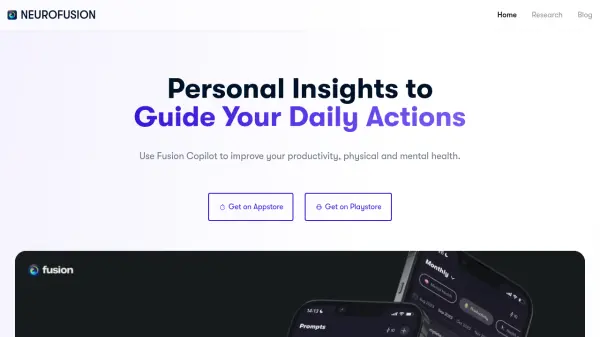
NeuroFusion Copilot helps users improve their productivity and overall well-being. It offers personalized recommendations to help users meet daily goals and understand the impact of their activities on their health and performance.
The application allows for one-click reflections and the ability to share reports with friends and family. It emphasizes data sovereignty, with prompts and responses stored only on the user's device, ensuring anonymity by default. Users can also participate in group activities to compare their responses with others.
Features
- Daily Goal Recommendations: Get personalized advice to achieve your daily objectives.
- Activity Impact Analysis: Understand how your daily activities influence your health and performance.
- One-Click Reflection: Quickly reflect on your day, even when busy.
- Report Sharing: Share your progress reports with friends and family.
- Data Sovereignty: Your prompts and responses are stored only on your device, maintaining anonymity.
- Group Activities: Participate in group activities and compare your responses with others.
Use Cases
- Improving daily productivity
- Enhancing physical health
- Supporting mental well-being
- Tracking the impact of daily activities
- Sharing health and performance reports
- Participating in group health activities
FAQs
-
What is Fusion, and how does it work?
Fusion is a platform to improve your productivity, physical and mental health, using personal insights to give recommendations. -
I only have a smartphone. Can I use Fusion?
Yes, Fusion Copilot is available on both the App Store and Google Play Store. -
How secure is my information?
Fusion ensures data sovereignty. Prompts and responses are stored only on your device, and you are anonymous by default.