What is mysms?
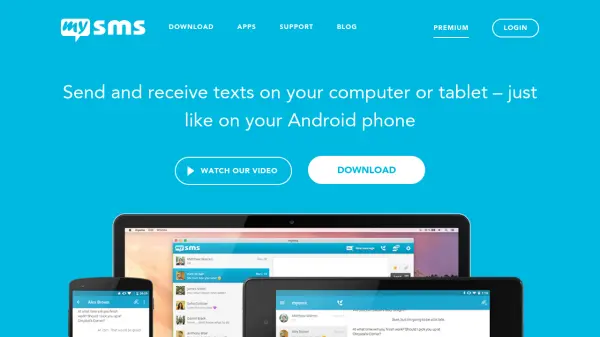
mysms enables seamless text messaging across multiple devices by synchronizing with your Android smartphone. The platform allows users to send and receive SMS messages on computers and tablets using their existing phone number, eliminating the need to switch between devices for communication. All messages are encrypted and securely stored in the cloud, ensuring privacy and data protection.
The service provides features such as call notifications on connected devices, free messaging between mysms users, and customization options for personalizing the app interface. Premium users can archive messages to cloud services like Evernote, Dropbox, and Google Drive, or export their entire SMS inbox to a CSV file for backup and analysis.
Features
- Multi-device texting: Send and receive SMS messages on smartphones, computers, and tablets
- Phone number sync: Uses your existing Android phone number for messaging without requiring a new account
- Secure messaging: All messages are encrypted and stored securely in the cloud
- Call notifications: Receive notifications on computers and tablets when calls reach your smartphone
- Free messaging: Send free texts to other mysms users similar to iMessage functionality
- Customization: Personalize the app interface with favorite colors and styles
- Premium archiving: Archive messages to Evernote, Dropbox, and Google Drive or export to CSV
Use Cases
- Texting from a computer while working to avoid switching to a phone
- Managing business communications across multiple devices efficiently
- Backing up SMS messages to cloud storage services for record-keeping
- Receiving call notifications on a computer when the phone is not accessible
- Sending detailed work messages from a laptop with a full keyboard
- Synchronizing text messages across smartphones, tablets, and computers