What is myCompiler?
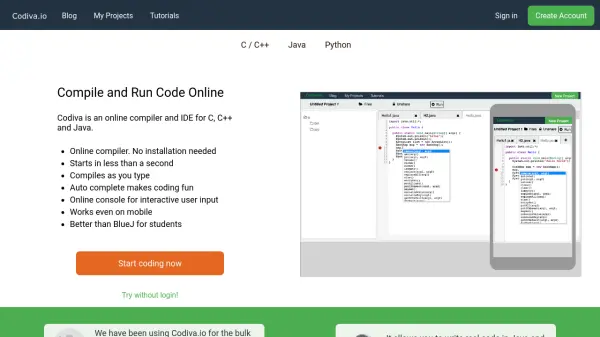
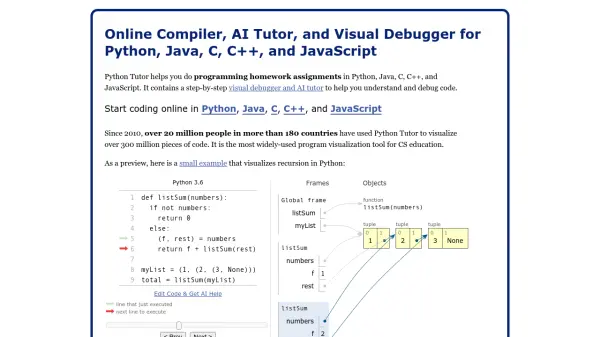
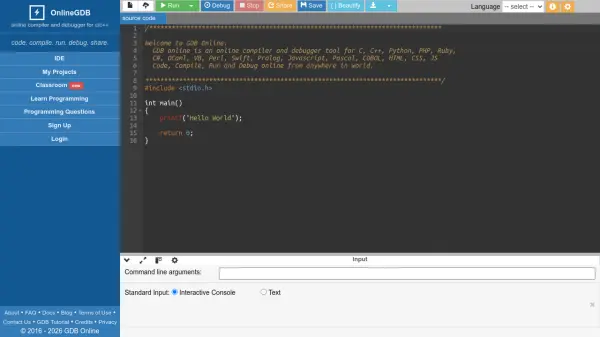
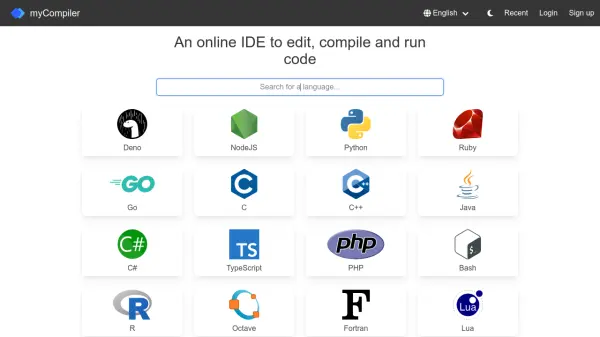
myCompiler provides a web-based integrated development environment (IDE) that allows users to write, compile, and run code without installing any software locally. It supports a wide range of programming languages including Deno, NodeJS, Python, Ruby, Go, C, C++, Java, C#, TypeScript, PHP, Bash, R, Octave (MATLAB), Fortran, Lua, Erlang, SQL, MySQL, MongoDB, Clojure, D, Perl, Kotlin, Swift, Rust, and Assembly.
The platform offers a streamlined coding experience with features for editing code, compiling it, and executing it in real-time. Users can access the tool from any device with an internet connection, making it convenient for learning, testing, or prototyping code snippets. The interface is designed to be user-friendly, catering to both beginners and experienced developers looking for a quick and efficient way to work with multiple languages.
Features
- Supported Languages: Supports over 25 programming languages including Deno, NodeJS, Python, Ruby, Go, C, C++, Java, C#, TypeScript, PHP, Bash, R, Octave (MATLAB), Fortran, Lua, Erlang, SQL, MySQL, MongoDB, Clojure, D, Perl, Kotlin, Swift, Rust, and Assembly
- Online IDE: Provides a web-based environment for editing, compiling, and running code without requiring local software installations
- Cross-Platform Access: Accessible from any device with an internet connection, enabling coding on the go
Use Cases
- Learning and practicing programming languages
- Testing code snippets and prototypes quickly
- Collaborating on coding projects remotely
- Debugging and compiling code in multiple languages