What is MultiMarkdown?
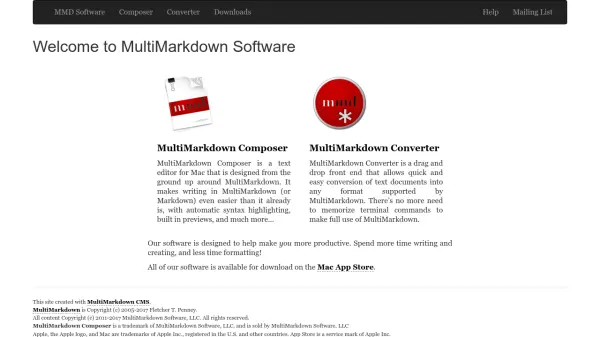
MultiMarkdown provides specialized software tools for Mac users to streamline writing and document conversion processes. The platform includes MultiMarkdown Composer, a text editor built specifically for MultiMarkdown and Markdown, featuring automatic syntax highlighting and built-in previews to enhance the writing experience. Additionally, MultiMarkdown Converter offers a drag-and-drop interface for converting text documents into various formats supported by MultiMarkdown, eliminating the need for terminal commands.
These tools are designed to increase productivity by reducing formatting time, allowing users to focus more on writing and creating content. All software is available for download on the Mac App Store, making it accessible for Mac users seeking efficient document management solutions.
Features
- MultiMarkdown Composer: Text editor for Mac with automatic syntax highlighting and built-in previews for MultiMarkdown and Markdown
- MultiMarkdown Converter: Drag-and-drop front end for converting text documents into multiple formats without terminal commands
- Productivity Focus: Designed to reduce formatting time and enhance writing efficiency
- Mac App Store Availability: All software accessible for download on the Mac App Store
Use Cases
- Writing and editing documents in MultiMarkdown or Markdown format
- Converting text documents to various output formats quickly
- Improving productivity for Mac users by simplifying document workflows
- Creating content with automatic syntax highlighting and preview features