What is Downit?
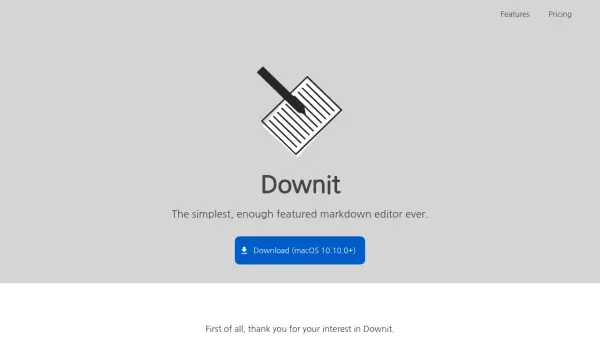
Downit is a markdown editor designed to provide a straightforward and efficient editing experience. It focuses on simplicity while incorporating essential features that support seamless markdown creation and management.
The tool includes real-time syncing, allowing users to edit without manual saving efforts. It also offers sharing options through published permalinks and community listings, along with classification features using notebooks or labels. Versioning support enables rollback from editing histories, and the infrastructure relies on fully managed serverless systems for reliability.
Features
- Sync in realtime: Automatically syncs changes in real-time without user intervention.
- Share markdown: Allows sharing of markdown memos through published permalinks and community listings.
- Simple editing: Supports plain text markdown writing without a rich editor interface.
- Classify markdowns: Enables organization of markdowns using notebooks or labels.
- Versioning support: Provides rollback functionality from editing histories.
- Fully managed infrastructures: Utilizes serverless systems for reliable and ready-to-use infrastructure.
Use Cases
- Writing and editing markdown documents for personal or professional use
- Sharing markdown content with others via permalinks
- Organizing markdown files into categories for better management
- Collaborating on markdown projects with real-time syncing
- Maintaining version history of markdown edits for tracking changes