What is Moot?
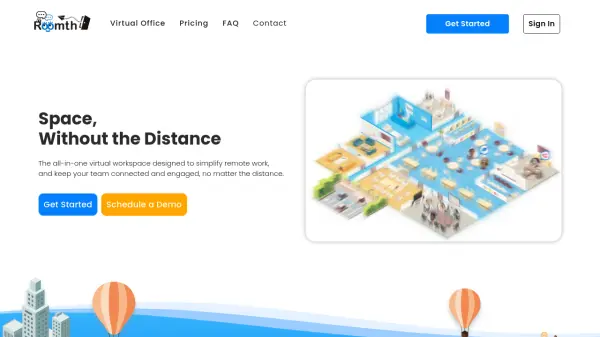
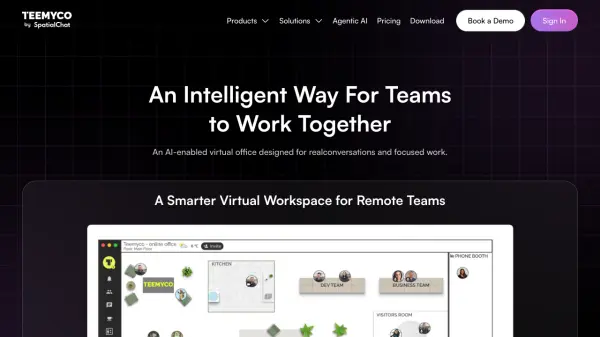
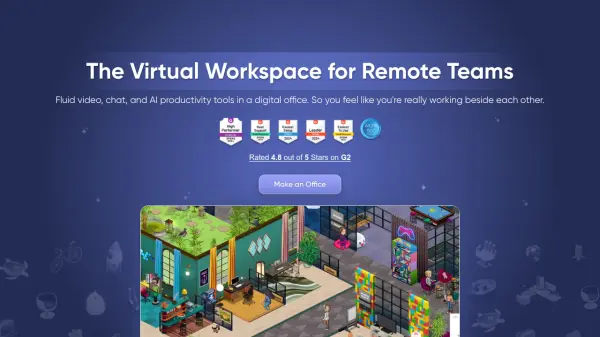
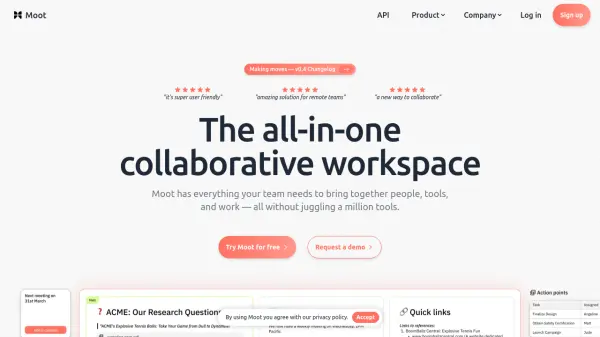
Moot is a comprehensive collaborative workspace designed to streamline team interactions by integrating multiple tools into a single platform. It enables teams to consolidate research, data, and resources with minimal learning curve, fostering efficient collaboration on ideas, discussions, and video meetings without the need for screen-sharing. The platform supports integration with Google Workspace and other popular tools, making it versatile for diverse workflows.
With features like multiplayer workspaces, video, voice, and screen-sharing capabilities, Moot aims to enhance remote collaboration. It offers both free and paid plans, with the Pro version providing persistent workspaces, scheduled meetings, and custom domains. Moot is built by a remote software company focused on creating soulful software for teams, emphasizing that remote work is the future of both living and working.
Features
- Multiplayer Workspace: Real-time collaborative experience for teams to work together in shared spaces
- Video, Voice and Screensharing: Integrated communication tools for meetings and discussions without screen-share
- Integration with Google Workspace: Seamless connectivity with popular tools for enhanced workflow
- Persistent Workspaces: Pro feature allowing teams to maintain and customize their collaborative environments
- Custom Domain: Pro feature enabling teams to use their own domain for workspaces
Use Cases
- Consolidating research, data, and resources in a shared space for teams
- Collaborating on ideas and discussions in real-time with video and voice features
- Hosting video meetings without the need for screen-sharing tools
- Managing projects and workflows for remote startups and consultancies
- Enhancing team collaboration in product management and software development
FAQs
-
What is the call limit for the free version of Moot?
The free version has a 40-minute call limit for video meetings. -
How many participants can join a workspace in the free plan?
Up to 5 participants per workspace are allowed in the free plan. -
What additional features does the Pro plan offer?
The Pro plan includes unlimited features, scheduled meetings, persistent workspaces, invite external guests, and custom domain. -
Is there a trial available for Moot?
Yes, Moot offers a free trial to try the workspace technology. -
Does Moot integrate with other tools?
Yes, Moot integrates with Google Workspace and other popular tools.