What is Moio?
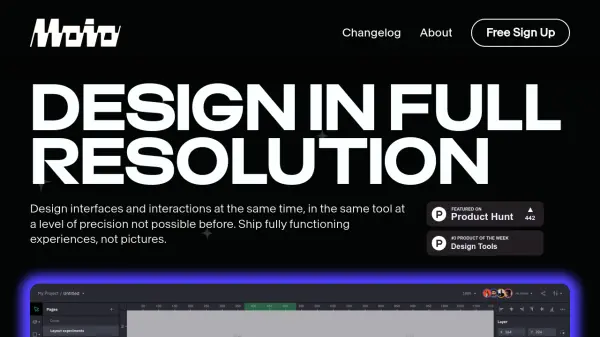
Moio enables the simultaneous design of user interfaces and interactions within a single platform, offering a high level of precision. It facilitates the creation of complete, interactive experiences for applications, games, or websites, moving beyond static mockups to fully functional prototypes. The tool allows users to craft high-fidelity prototypes that accurately represent the final product's look and behavior, supporting rapid iteration cycles without requiring coding knowledge.
Users can leverage professional-grade vector tools, flexible layouts, and custom fonts. Assets can be imported directly from Figma, Sketch, or XD, transforming static designs into dynamic experiences. The platform supports the creation of interactive graphics that respond to user input or data changes, suitable for dynamic infographics or charts. It also allows for the design and implementation of subtle micro-interactions to enhance user engagement and brand identity.
Features
- Import: Import .fig files or copy-paste directly from Figma.
- Vector Tools & Layouts: Utilize professional-grade vector editing capabilities and flexible layouts.
- Interactive Prototyping: Create high-fidelity prototypes that accurately mimic real user interactions and behavior without writing code.
- Events & Actions: Visually define interaction logic using a 'when this happens, do that' rule system.
- Components: Build and reuse design elements to maintain consistency and efficiency.
- Multiplayer Collaboration: Enable real-time collaboration with multiple users on the same design file.
- Content Assistant: Generate placeholder content contextually using semantic tags.
- Variables & Expressions: Implement dynamic content that adapts based on user input or data changes.
- Micro Interactions Design: Craft and implement subtle, engaging interactive elements.
Use Cases
- Designing interactive user interfaces for web and mobile applications.
- Creating high-fidelity prototypes for user testing and stakeholder feedback.
- Developing interactive elements and interfaces for games.
- Building responsive website designs that adapt to different screen sizes.
- Crafting dynamic infographics and data visualizations.
- Designing and implementing micro-interactions to enhance user experience.
- Collaborating on interface and interaction design within a team.