What is MockFlow?
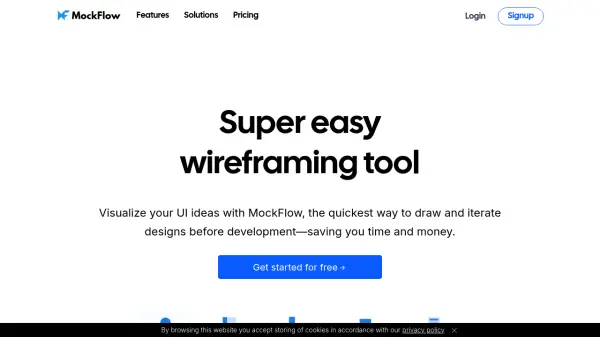
MockFlow provides a streamlined platform for visualizing software and user interface concepts. It enables users to quickly draw and iterate on UI designs, saving time and resources before entering the development phase. The tool emphasizes ease of use, allowing individuals across different roles, such as project managers, designers, and developers, to contribute to the ideation process through lightweight prototyping.
Featuring a range of tools beyond basic wireframing, MockFlow supports the entire ideation lifecycle. Users can create sitemaps, draw software architecture diagrams, depict process flows, and document UI specifications. Its AI capabilities, such as converting screenshots or text prompts into wireframes and generating diagrams or content, further enhance efficiency and creativity. MockFlow integrates with various collaboration apps like Trello, Slack, MS Teams, and Atlassian products, allowing teams to brainstorm and design within their existing workflows.
Featuring a range of tools beyond basic wireframing, MockFlow supports the entire ideation lifecycle. Users can create sitemaps, draw software architecture diagrams, depict process flows, and document UI specifications. Its AI capabilities, such as converting screenshots or text prompts into wireframes and generating diagrams or content, further enhance efficiency and creativity. MockFlow integrates with various collaboration apps like Trello, Slack, MS Teams, and Atlassian products, allowing teams to brainstorm and design within their existing workflows.
Features
- Wireframe Editor: Easily draw and iterate on UI designs.
- AI-Powered Wireframing: Convert screenshots or text prompts into editable wireframes.
- Text to Diagrams: Generate flowcharts, process diagrams, or server architecture diagrams using AI.
- AI Content Generation: Instantly create text, images, data grids, and color palettes for wireframes.
- Extensive Component Library: Utilize built-in mockup components like charts, datagrids, trees, button bars, and form elements.
- Collaboration Tools: Features real-time designing, in-place comments, video meetings, and chat.
- Integrations: Native plugins for Trello, Slack, MS Teams, Office, Atlassian, and Chrome Extension.
- SiteMap Tool: Design information architecture and sitemaps, optionally using AI prompts.
- Layout Builder: Visually construct UI layouts easily.
Use Cases
- Rapidly prototyping website and app UI/UX concepts.
- Visualizing software ideas and workflows.
- Collaborating on design projects within teams.
- Creating sitemaps and information architecture.
- Generating diagrams for processes or system architectures.
- Documenting UI specifications for development handoff.
- Converting existing websites or apps into wireframes for redesign.
- Brainstorming UI solutions within integrated platforms like Slack or MS Teams.
FAQs
-
Which plan is best for individuals vs. teams?
The Premium plan is ideal for professionals and solopreneurs, while the Business plan offers excellent value for teams, businesses, and agencies. -
Do project members need a paid license?
Project members can review shared projects with the free Basic plan, but need a paid license (Premium or higher) to co-edit projects. -
What forms of payment do you accept?
MockFlow accepts major credit cards. Enterprise licenses offer additional payment options like bank transfer and Purchase Order. -
What happens if my license expires?
If not renewed, your projects will be securely archived for free. You can access them again once you upgrade your license. -
Can I purchase additional user licenses later?
Yes, the license administrator can purchase additional user licenses anytime from their dashboard.